- Joined
- Jul 13, 2018
- Messages
- 779
- Reaction score
- 122
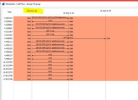
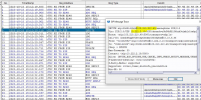
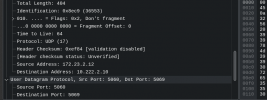
My customer is using a VPN to connect to the SIP provider but I'm having trouble getting the correct IP to be sent to them . It's currently sending their internal private IP, whereas the SIP provider is expecting the Voip traffic to go out the VPN IP. The 172 address is the private IP and the VPN IP is 103.210.210.49. I have set the "Select which IP to use in 'Contact' (SIP) and 'Connection'(SDP) fields" to the VPN IP.
Incoming call work once I deselected the PBX delivers audio, outgoing call dont.
Where should I be looking?
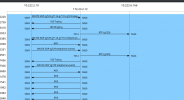
Incoming call work once I deselected the PBX delivers audio, outgoing call dont.
Where should I be looking?