- Joined
- Apr 21, 2024
- Messages
- 2
- Reaction score
- 0
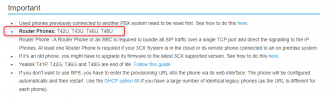
I've upgraded my T46S to firmware 66.86.0.15 and even tried the latest version, 66.86.0.160. However, when I add the MAC address in the 3CX panel, the phone restarts, displays the 3CX image, and then my IP gets blacklisted.
Despite my efforts over the past five days, the IP phone continues to restart, and my IP keeps getting blocked. I'm at a loss for what to do next.
Any advice on preventing my IP from getting blocked would be greatly appreciated.
Despite my efforts over the past five days, the IP phone continues to restart, and my IP keeps getting blocked. I'm at a loss for what to do next.
Any advice on preventing my IP from getting blocked would be greatly appreciated.