You would need to use the
CRM tool to edit the template. Also,
this page explains the details of the XML in case you prefer editing it using a text editor, or need to understand any other details.
The procedure would be:
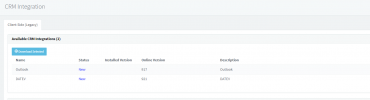
1) Go to the 3CX Console > Settings > CRM Integration > SalesforceV2 > Show Template.
2) Copy the XML and save it to a local file.
3) Open the file with the CRM tool and change the Name attribute to SalesforceCustom or something like that (if you use the same name, an update from 3CX will override your changes).
4) This is the complex part: you will need to research the Salesforce REST API to understand what you need to change, and make the changes to the template to achieve what you need.
5) Once you're done with your changes, you can upload your custom template from the 3CX Console > Settings > CRM Integration > Add button.
Kind regards.