- Joined
- Jan 9, 2014
- Messages
- 5,077
- Reaction score
- 1,096
Hi ,
on a new pbx I've set 2 fake extensions to use more statuses , they are set to change to available during office hours but this doesn't work status stay in DND.
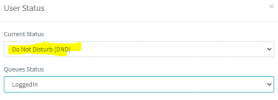
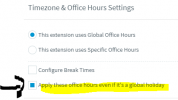
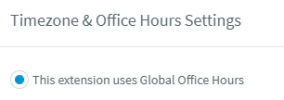
office hours are in global settings, pbx is in OOH Mon to Sun from 8h30 to 20h30.
extensions are set to auto switch
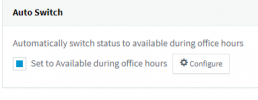
Yesterday I manually change status to available and the 2 ext switched to DND after 20h30 but today they don't go back to available .
What do you think ? Am I missing something ?
Hoping like always on 3CX Staff lights
on a new pbx I've set 2 fake extensions to use more statuses , they are set to change to available during office hours but this doesn't work status stay in DND.
office hours are in global settings, pbx is in OOH Mon to Sun from 8h30 to 20h30.
extensions are set to auto switch
Yesterday I manually change status to available and the 2 ext switched to DND after 20h30 but today they don't go back to available .
What do you think ? Am I missing something ?
Hoping like always on 3CX Staff lights