- Joined
- Dec 3, 2024
- Messages
- 8
- Reaction score
- 0
I had to re-install 3cx PBX on a machine which suffered a failed drive. I had to remove the machine the PBX was running on and work on it from home. I got it all running and restored from a backup but the FQDN has not updated to the public IP of the business when I returned it back to where it belonged, instead it is still showing my own public IP from home. I assumed the PBX would update, it has internet access and although behind the firewall it was on before the drive failure. It's been 24 hours. I can access the PBX over command line, I have run ping stun2.3cx.com and it returns the ip of the 3cx server.
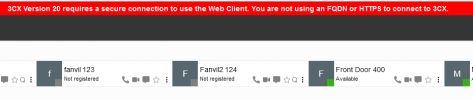
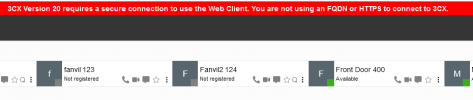
Because it is v20 Debian I can't access the admin web interface because there is no SSL so can't see if the PBX has realised it has a different public IP
How can I access the admin web interface without an SSL to try and fix this?
Are there any comands I can run from command line to update the public IP.
Any help much appreciated.
Because it is v20 Debian I can't access the admin web interface because there is no SSL so can't see if the PBX has realised it has a different public IP
How can I access the admin web interface without an SSL to try and fix this?
Are there any comands I can run from command line to update the public IP.
Any help much appreciated.