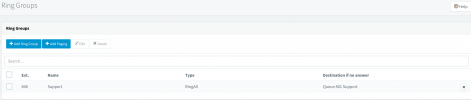
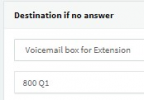
I feel there may have been a misunderstanding here, you can indeed send calls to a Ring Group's voicemail but what that does is essentially send an email to all Ring Group members with the vm file attached to it. In that sense, there is no vmbox per se but you can still select it as an option and will behave as described. That said, I'm afraid there is no option to change the greeting for a Ring Group, it will always use the default vm greeting.
Changing the default vm greeting for the Global system prompts should work, but this will affect everything that uses that prompt so I would not recommend changing it for the whole system. What you can do instead is, create a copy of the system prompts currently in use and then modify the vm prompt (record_your_message.wav) for the copy system prompt set. The problem here is that you cannot configure a Ring Group to use a different prompt set, so, what you would also have to do is create a Call Queue, add all Ring Group members to it, set the Call Queue to use the copy/modified system prompt set and use this queue exclusively for voicemails. Here's a rundown on how to do this:
1. Access the 3CX Management Console and go to "Settings >> System Prompts".
2. Click on "Manage Prompt Sets" and then "Copy Prompt Set >> OK".
3. Search for the "record_your_message.wav" prompt and then click on "browse" to replace it with your own message.
4. Click on "Manage Prompt Sets" again and select your main prompt set back to what it was.
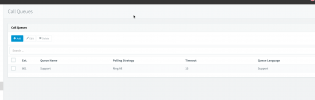
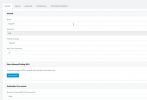
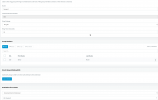
5. Go to Call Queues and create a Queue. Add add all Ring Group members to this Call Queue and then in the "General" tab, scroll down to where it says "Queue Language" and select the copy prompt set you created.
6. Click on ok and then go to "Dashboard >> Services". Restart the 3CX IVR Server for this to take effect. I recommend doing this during out of office hours as it will unregister system extensions hence drop calls too.
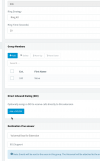
7. Set Ring Group voicemail routing to this Call Queue instead.
Note: This will of course mean that every time you add/remove a Ring Group member, you will have to do the same for the Call Queue.
Hope this helps.