- Joined
- Sep 18, 2020
- Messages
- 37
- Reaction score
- 3
Hey guys,
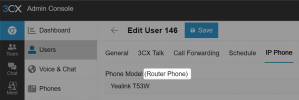
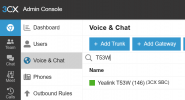
I have a yealink t53w router phone that stopped working. This is the error that comes up in the 3cx dashboard
SIP request (REGISTER) from 159.XXX.XXX.XXX was rejected. Reason: Block WAN requests is ON.
I have whitelisted the local IP and still the same issue.
I set up another phone onsite as the router phone and connected straight away.
How do I fix this?
3cx version v20
This was working but just all of a sudden stopped.
Firmware is up to date. I flashed the latest 3cx supported just incase
I have a yealink t53w router phone that stopped working. This is the error that comes up in the 3cx dashboard
SIP request (REGISTER) from 159.XXX.XXX.XXX was rejected. Reason: Block WAN requests is ON.
I have whitelisted the local IP and still the same issue.
I set up another phone onsite as the router phone and connected straight away.
How do I fix this?
3cx version v20
This was working but just all of a sudden stopped.
Firmware is up to date. I flashed the latest 3cx supported just incase
Last edited: