Correct, but it will not be seen in the WebClient/desktop app. Only visible in the management console with dedicated machines. It is only for the start-up version, where the WhatsApp configuration will be under the office settings of a manager's extension within the webclient.
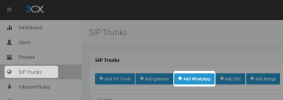
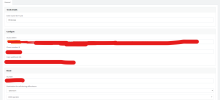
For dedicated instances where the system's management is through the management console, the WhatsApp settings are only available within the management console.
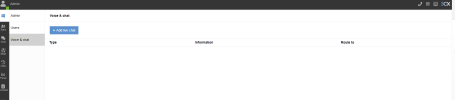
In the Start-Up version, where the system's management is through the Webclient of the manager's extension, it will be visible under the Voice & Chat settings.
Your instance is a dedicated one, so the WhatsApp integration is only available within the management console and not from the webclient.