- Joined
- Jul 9, 2025
- Messages
- 12
- Reaction score
- 0
I've successfully integrated Bitrix24 to 3CX according to the 3CX guide, but it still doesn't provide Call Journaling (with or without click2call extension).


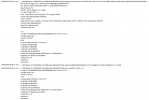
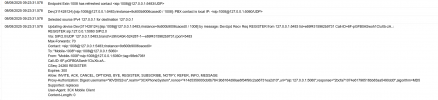
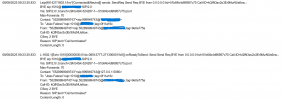
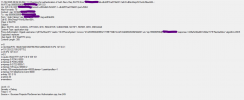
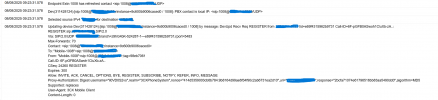
Oh, right. I did an external call and this was the result. Also, was everything maskedright? If not I'll delete the image soon. Thank you.That looks like an internal call that wouldn't really trigger CRM stuff. Also if you do take a trace with an external call, please mask any IPs, phone numbers and any access tokens that might appear in it.


You need to set the pbx logs in verbose mode from the activity log, then after you replicate the issue with an external call, then from dashboard you can get the support info ---- open the logs folder and there you will get the 3cxSystemService.log file as Ernesto mentioned.
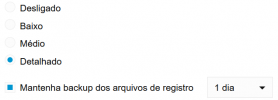
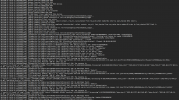
The 3cxSystemService.log file is inside the Support Package ZIP file. Just unzip the ZIP file, and get the log from there.Mind if I ask how to download those files? I just found them, but there doesn't seem to have anything to download them and use in the viewer. Should I do a backup and download it?
Founded in 2005, when VoIP was an emerging technology, 3CX has gone on to establish itself as a global leader in business communications.