- Joined
- Aug 26, 2020
- Messages
- 8
- Reaction score
- 0
Hi all,
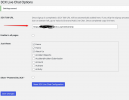
I have the 3CX Plugin on a website, configured below:
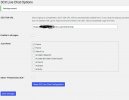
With this configuration in the Voice & Chat of the 3CX server
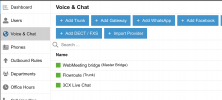
You can see it is styled appropriately here:
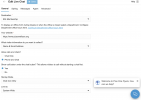
It is routed to a queue, seen below:

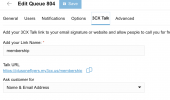
But, when you go to the website, none of the formatting shown above shows up. Additionally, the option for starting minimized has been gone since the major change to the chat plugin a couple years ago. I can't find that option anywhere now?
I have the 3CX Plugin on a website, configured below:
With this configuration in the Voice & Chat of the 3CX server
You can see it is styled appropriately here:
It is routed to a queue, seen below:
But, when you go to the website, none of the formatting shown above shows up. Additionally, the option for starting minimized has been gone since the major change to the chat plugin a couple years ago. I can't find that option anywhere now?