- Joined
- Aug 7, 2024
- Messages
- 3
- Reaction score
- 1
Hello Team,
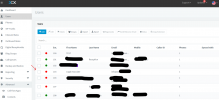
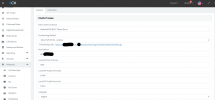
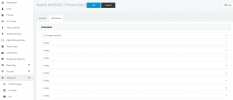
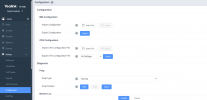
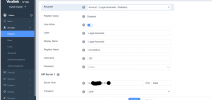
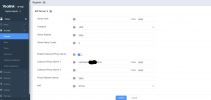
I configured the 3cx and Dect as attached photos.
1- I reset the Dect (W70B)and registered the Handset(W73H) and I updated firmware to 146.85.0.40.
2. I configured the 3CX (please check the photo ) by creating a new extension (103) and added the Dect.
3- I downloaded the auto-provisioning file and uploaded on Dect page.
4- the extension number (103) has shown on the handset's screen but cannot call and the extension status on Dect web page is disabled.
Thank you in advance,
I configured the 3cx and Dect as attached photos.
1- I reset the Dect (W70B)and registered the Handset(W73H) and I updated firmware to 146.85.0.40.
2. I configured the 3CX (please check the photo ) by creating a new extension (103) and added the Dect.
3- I downloaded the auto-provisioning file and uploaded on Dect page.
4- the extension number (103) has shown on the handset's screen but cannot call and the extension status on Dect web page is disabled.
Thank you in advance,