- Joined
- Feb 19, 2022
- Messages
- 22
- Reaction score
- 0


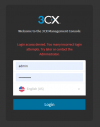
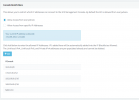
i removed it, but still i see this errorAccess the management console from a different local machine, or a different wan address
After logging in, remove the ip from the blacklist

I'm logging in and trying to delete it from the 3cx server itself, I can't find itYou need to access your Management Console from a different Public IP Address, maybe try turning on Mobile Data on your Mobile Phone and disable Wifi, then access it from there and try to log in.
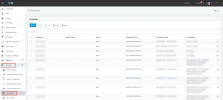
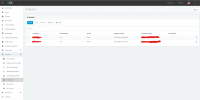
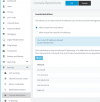
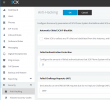
I've whitelisted my IP ranges, if I delete them I will lose remote access and the errors showIf you are running V18, all Blacklisted IPs are found here:
View attachment 29165

OK, so with these IPs whitelisted, it is OK now?I've whitelisted my IP ranges, if I delete them I will lose remote access and the errors show
If I whitelist my gateway IP, I'm able to access it. And if I delete the whitelist the error shows backOK, so with these IPs whitelisted, it is OK now?
Founded in 2005, when VoIP was an emerging technology, 3CX has gone on to establish itself as a global leader in business communications.