- Joined
- Jan 23, 2018
- Messages
- 90
- Reaction score
- 18
Hi,
I'm now testing livechat, my 3CX is V18 Update5 Alpha.
I tried both methods.

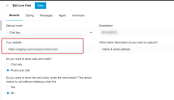
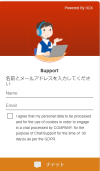
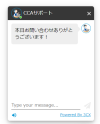
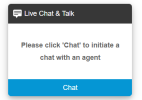
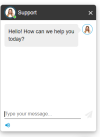
1. Install 3CX livechat plugin and enable in our test page. Livechat button appeared and we can start a chat.
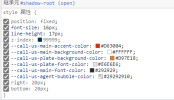
However, I enabled chat and call and made some customization for styles, nothing was reflected, only the default style of 3CX livechat.
2. Copy the HTML code and save as a HTML file.
The code I copied includes 2 parts. Call us and script.
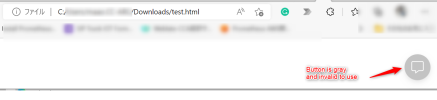
Opening the html file, I can see a gray button appeared on the bottom right. But I can't click it or start a livechat.
Any ideas about this case, pls kindly share with me!
I'm now testing livechat, my 3CX is V18 Update5 Alpha.
I tried both methods.
1. Install 3CX livechat plugin and enable in our test page. Livechat button appeared and we can start a chat.
However, I enabled chat and call and made some customization for styles, nothing was reflected, only the default style of 3CX livechat.
2. Copy the HTML code and save as a HTML file.
The code I copied includes 2 parts. Call us and script.
Opening the html file, I can see a gray button appeared on the bottom right. But I can't click it or start a livechat.
Any ideas about this case, pls kindly share with me!