- Joined
- Feb 25, 2015
- Messages
- 25
- Reaction score
- 0
I have a problem with Mail Server. I can't send welcome e-mails and notifications.
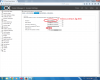
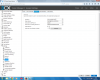
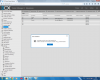
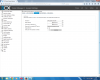
I use this e-mail with Thunderbird and everything is fine (send and receive messeges), but I want to use this account for my 3CX PBX to send welcome messeges and notifications. Try to enable SSL/TLS but do not succeed. Try to specify port 465 doesn't matter. I attached screens with account settings in Thinderbird and screen from 3CX PBX.
I will be glab for any help. Thank You.
If someone use gmail or other free mail server, let share his expirience
I use this e-mail with Thunderbird and everything is fine (send and receive messeges), but I want to use this account for my 3CX PBX to send welcome messeges and notifications. Try to enable SSL/TLS but do not succeed. Try to specify port 465 doesn't matter. I attached screens with account settings in Thinderbird and screen from 3CX PBX.
I will be glab for any help. Thank You.
If someone use gmail or other free mail server, let share his expirience
Attachments
-
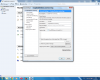 Thinderbird 1.png190.4 KB · Views: 928
 -
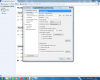 Thinderbird 2.png196.4 KB · Views: 927
 -
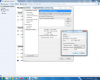 Thinderbird 3.png202.5 KB · Views: 927
 -
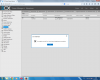 Checked SSL_TLS.png138.2 KB · Views: 926
 -
 Unchecked SSL_TLS.png141 KB · Views: 926
 -
 Checked SSL_TLS and cpecified port 465.png149.9 KB · Views: 927
 -
 Unchecked SSL_TLS and Specified port 465.png146.6 KB · Views: 927