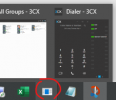
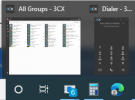
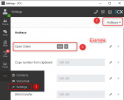
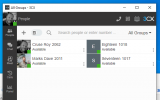
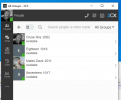
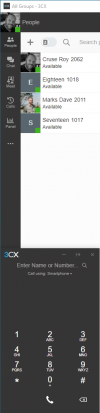
I noticed this after the last app update...the icon for the pinned (taskbar) shortcut eventually changes to a Windows default icon, because it is left pointing to an invalid location. I looked for it right after the update this time and it didn't change, but it is now the default icon ~5 hours later after the update (after I locked the screen and unlocked it later).
taskbar:
View attachment 25672
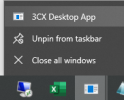
when right clicking icon:
View attachment 25673
If I right click that "3CX Desktop App" menu item and choose Properties, the Target is invalid:
"C:\Users\username\AppData\Local\Programs\3CXDesktopApp\
app-18.5.28\3CXDesktopApp.exe"
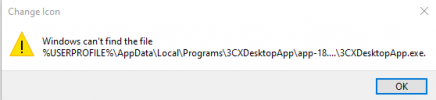
and if I click the Change Icon button I get error:
View attachment 25674
The "C:\Users\username\AppData\Local\Programs\3CXDesktopApp\app-18.5.28" directory does not exist, it is named just "app." I'm guessing this is because "app" was renamed for the upgrade, and the icon followed the rename?
If I right click the icon and "unpin from taskbar" the icon for the unpinned-but-still-running-program immediately changes to the 3CX icon, and I can pin it again to resolve the issue.
To recap/repro:
- start 3CX app
- pin icon
- install app upgrade on 3CX server
- upgrade app when prompted in the app, by clicking the button