


- Joined
- Nov 14, 2022
- Messages
- 2
- Reaction score
- 0
Hi All,
Looking for some help with this. I have followed the guides online and tried all the advice I have found in previous threads with little success. I am running 3CX V18 Enterprises on a Windows Server 2019 Virtual Machine on Proxmox behind a pfsense box as my router and firewall that has a static IP.
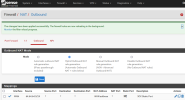
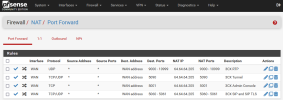
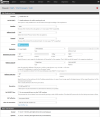
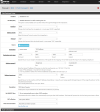
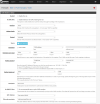
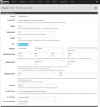
Here are my current settings are below:
Looking for some help with this. I have followed the guides online and tried all the advice I have found in previous threads with little success. I am running 3CX V18 Enterprises on a Windows Server 2019 Virtual Machine on Proxmox behind a pfsense box as my router and firewall that has a static IP.
Here are my current settings are below:





