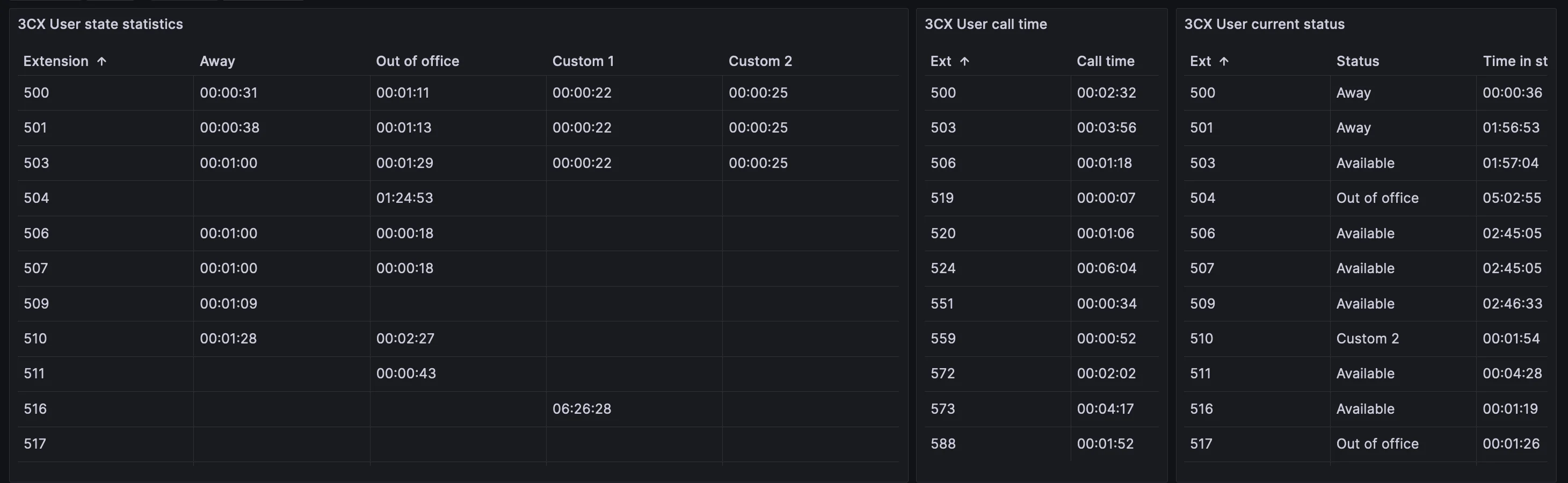
okay so update, I got it working, this is all in PowerShell
A bit of trial and error but here we go documenting as much as I can for the next victim to try this
I am a bit skeptical of the security and as such this should probably be run locally but hey, it works remote, just do it over a VPN to stay secure (No liability or guarantee is promised and 3CX may change the API keys)
first of all, we have a username and password (if you have a way of pulling a 2fa code then congrats
so lets build the 1st request so we can get our token
Code:
$AuthBody = @{
    Password="ENTER PASSWORD HERE"
    SecurityCode=""
    Username="[email protected]"
}
$jsonauthbody = $authbody |ConvertTo-Json
the next part is to POST the request to get the auth token,
This is in a body to pass the credentials along
Code:
$LoginResponse = Invoke-RestMethod -Uri "https://mycompany.3cx.school/webclient/api/Login/GetAccessToken" -Body $jsonauthbody -Method POST -ContentType "application/json"
This will return an access key,
Next we need to build the header so we can authorize our access
Code:
$accesstoken =  $LoginResponse.Token.access_token
$Headers = @{
    Authorization = "Bearer $accesstoken"
}
lastly we can run out command
Code:
Invoke-RestMethod -uri "https://mycompany.3cx.school/xapi/v1/Users -headers $headers -Method GET -ContentType "application/json"
you can add additional tags to the end of the URL to filter example
Code:
Invoke-RestMethod -uri"https://mycompany.3cx.school/xapi/v1/Users?%24filter=not%20startsWith(Number%2C%27HD%27)&%24count=true&%24orderby=Number&%24select=Id%2CDisplayName%2CEmailAddress%2CNumber" -headers $headers -Method GET -ContentType "application/json"