- Joined
- Feb 16, 2022
- Messages
- 10
- Reaction score
- 2
Hi,
We try to install teams Direct Routing from Hosted 3CX 18.0 Update 2 (Build 314)Version.
- My sync Microsoft 365 was done
- My certificate was succesful loaded
- the synced With Ms 365+Teams was done from my user
- My Ms Licences is M365 Buisness Voice without calling plan
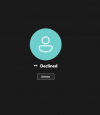
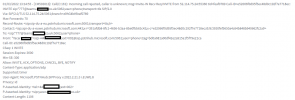
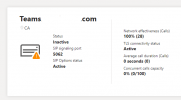
- i see the call activity on ms teams management consol . The code for Final Sip code for outbound call from teams is 603 and for incoming call is 404
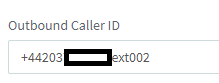
see the two print screen

We try to install teams Direct Routing from Hosted 3CX 18.0 Update 2 (Build 314)Version.
- My sync Microsoft 365 was done
- My certificate was succesful loaded
- the synced With Ms 365+Teams was done from my user
- My Ms Licences is M365 Buisness Voice without calling plan
- i see the call activity on ms teams management consol . The code for Final Sip code for outbound call from teams is 603 and for incoming call is 404
see the two print screen
Direct Routing