- Joined
- Mar 20, 2025
- Messages
- 2
- Reaction score
- 1
Hi 3CX team, please move this to the correct category. This is the only area i can post in.
**Simple Alerts for Critical Infrastructure Status**
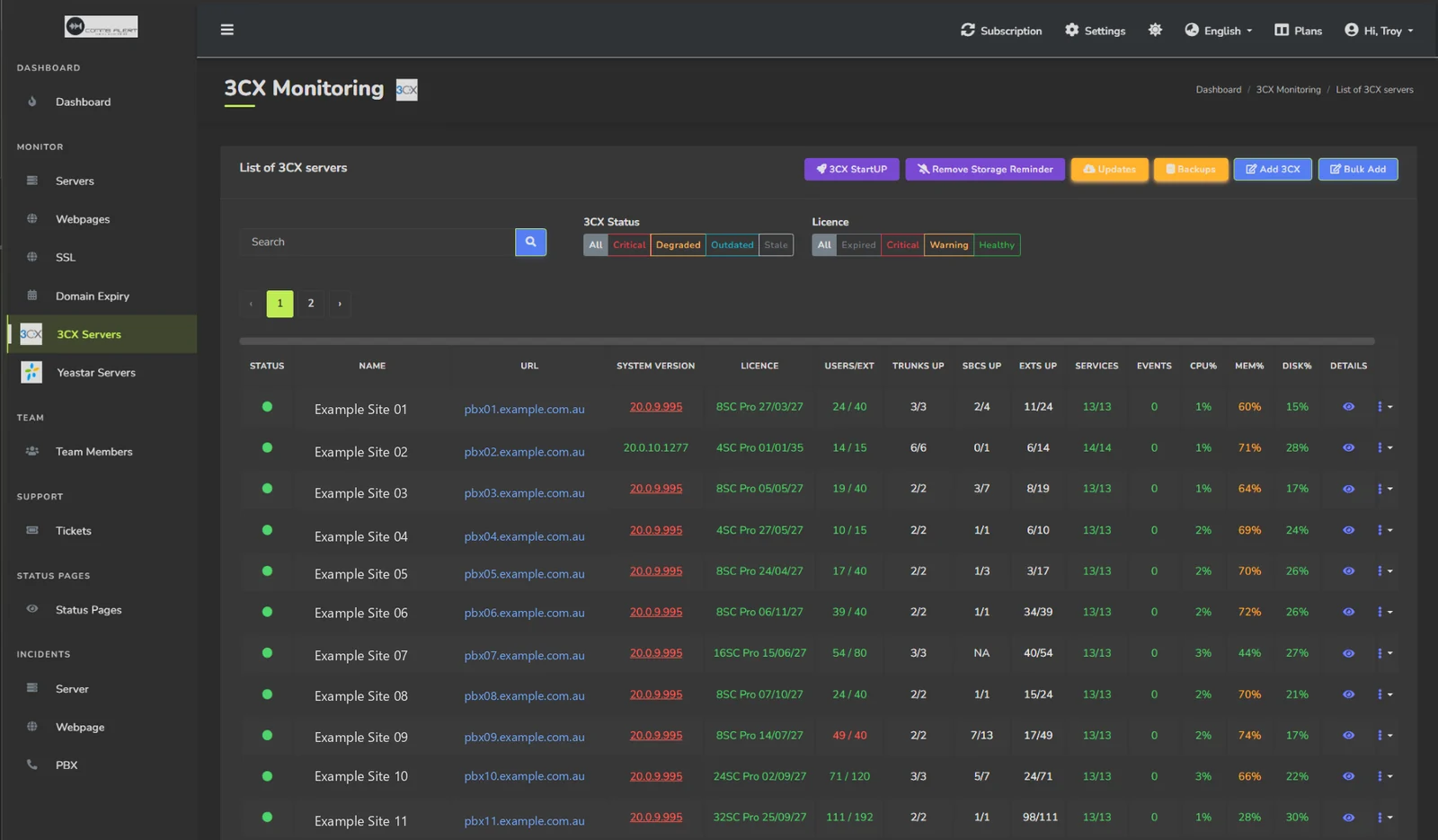
We're proud to introduce CommsAlert, (https://commsalert.com), a lightweight and low-priced monitoring solution designed exclusively for 3CX. For users who need basic system health uptime notifications without complex setups or features.
 **Core Functionality**
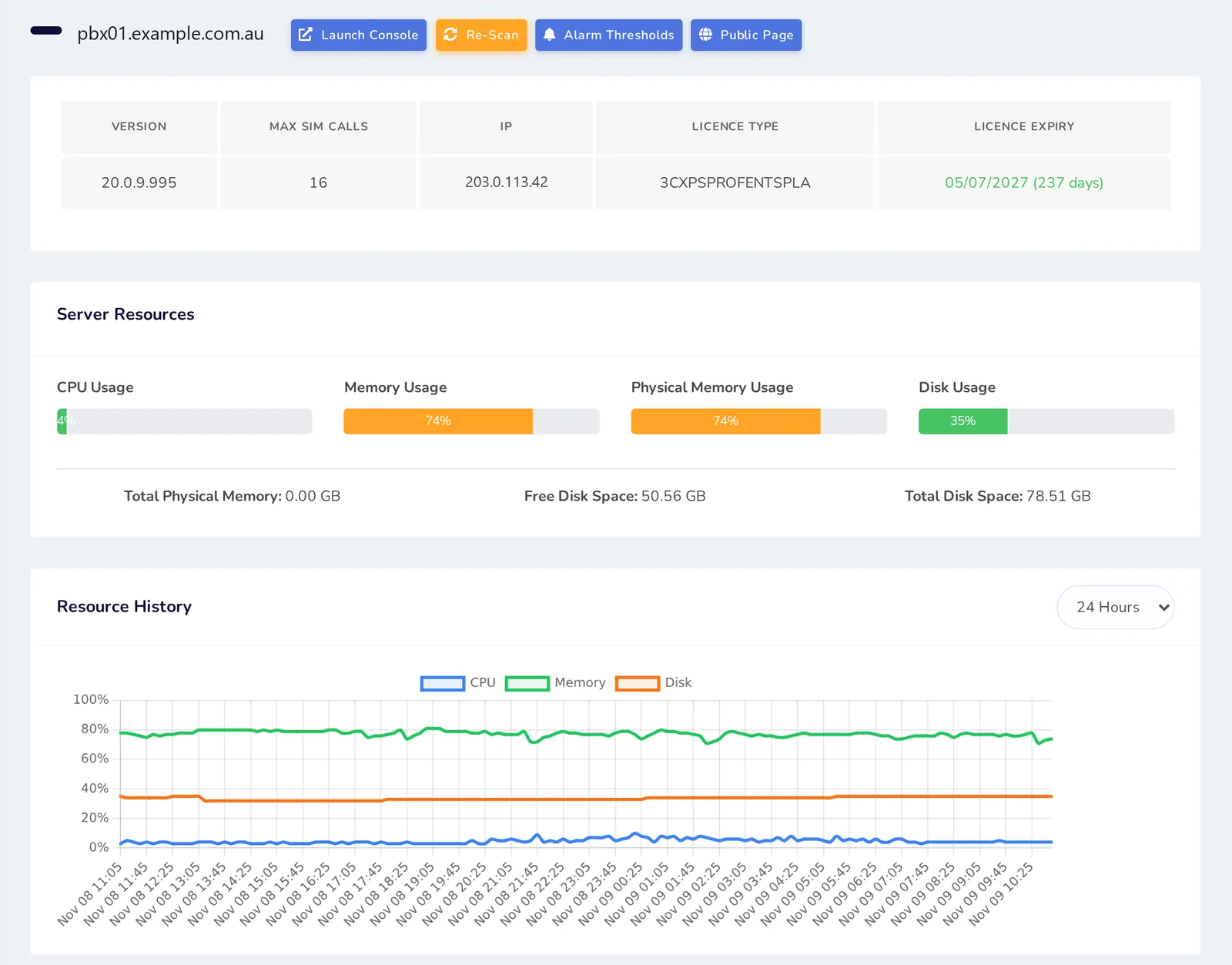
➤ Real-time alerts via **Email/SMS** when:
・3CX server becomes unresponsive
・Web interface or SSL becomes inaccessible
・Extensions lose connectivity based on percentage offline
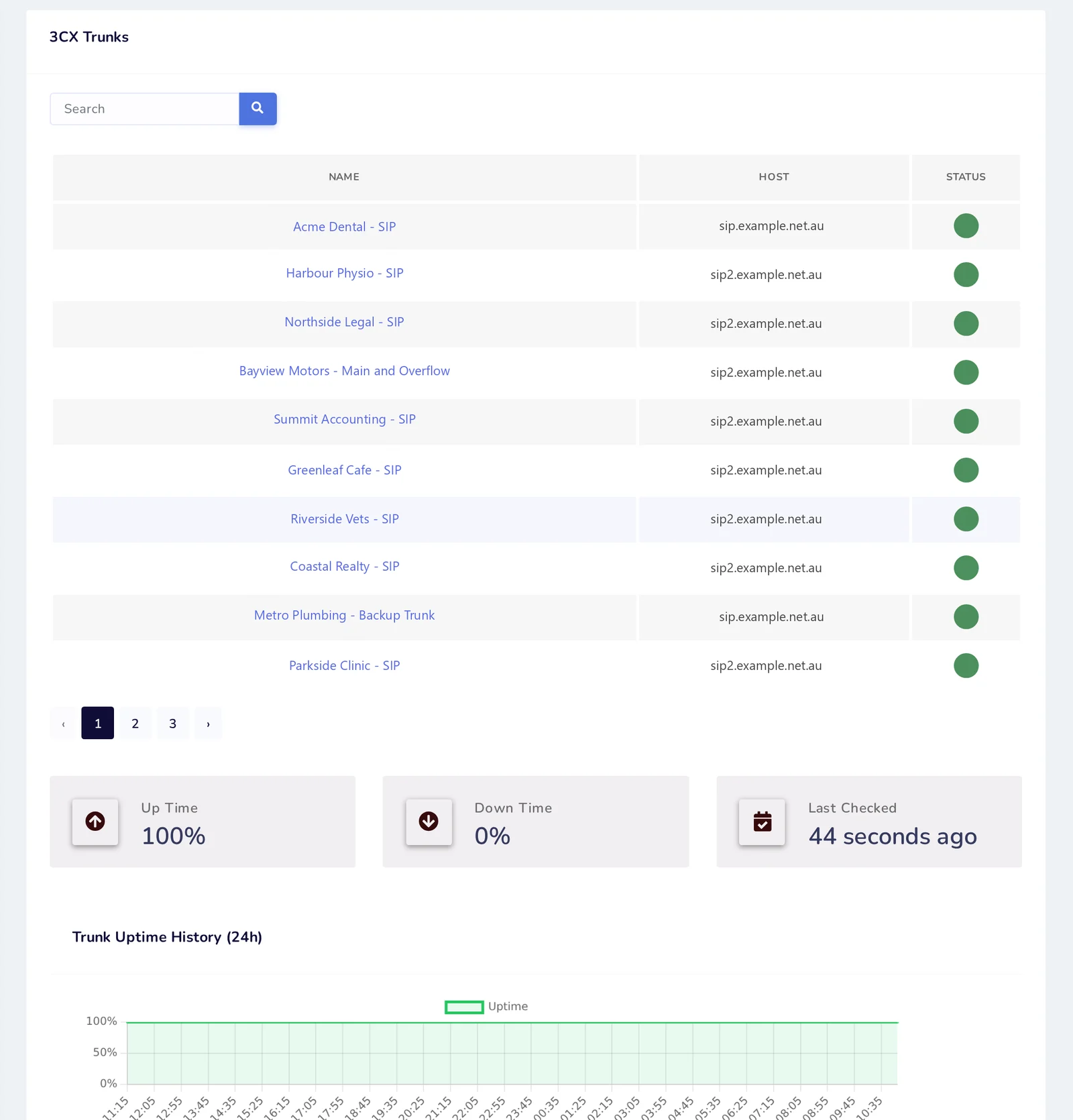
・SBC or SIP trunks connection drops based on percentage offline
➤ utilising 3CX API integration (v20 compatible)
**Key Advantages**
1. **3CX API integrated**
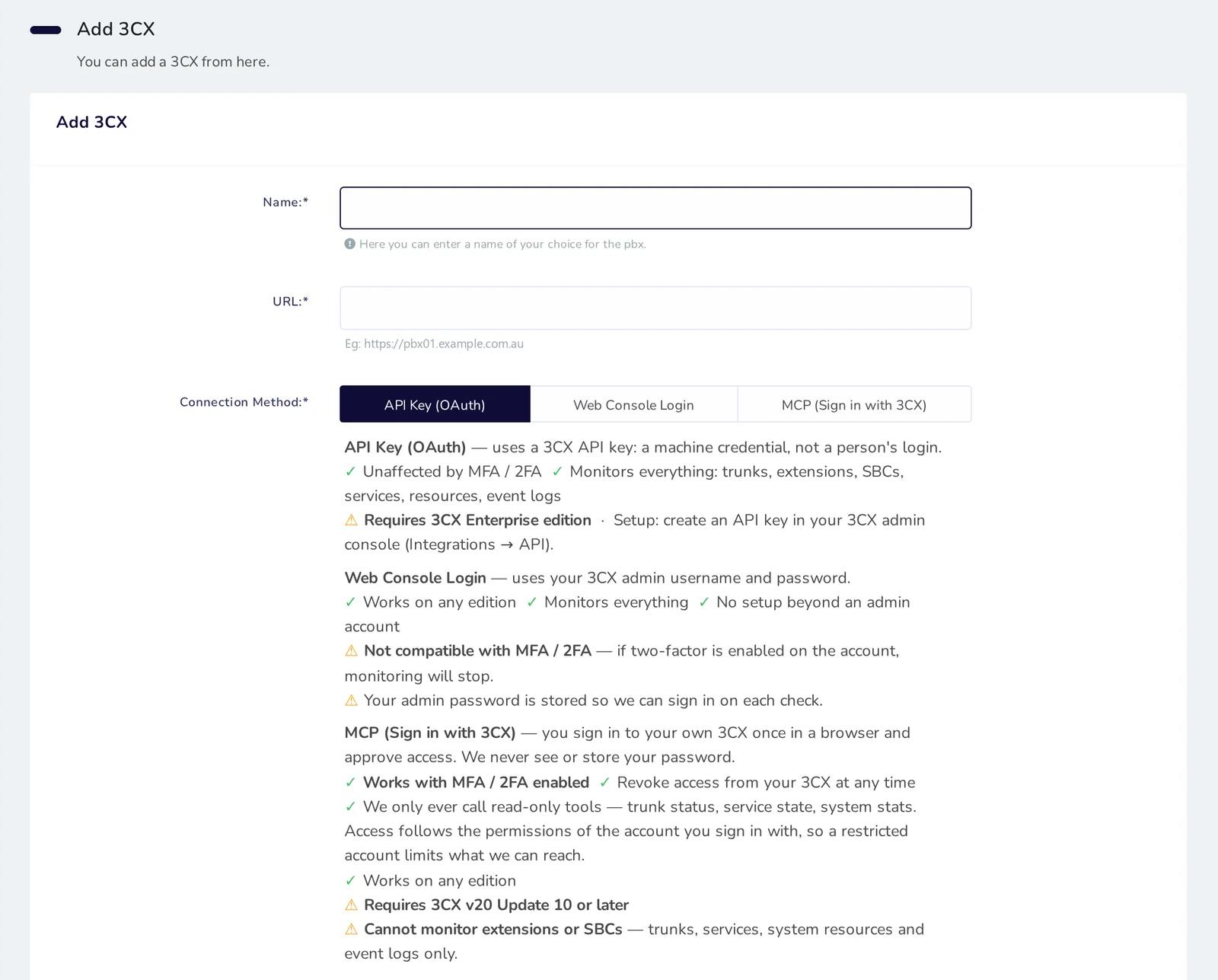
Works natively with 3CX's API - no third-party plugins or system modifications to 3CX.
NOTE: Only works with 3CX enterprise edition as this is the only edition with API access.
2. **Emergency Redundancy**
SMS and Email notifications ensure alerts arrive quickly during outages.
3. **Cost-Effective**
Pay only for essential monitoring, no advanced features mean, no advanced cost.
4. **Easy Setup**
Simple setup. Configure thresholds and notification channels through our web portal . Manual. https://commsalert.com/userguide/
**Implementation Overview**
1. Visit commsalert.com and click sign up buttons to get a 3-month FREE trial.
2. Enter Enterprise API credentials.
3. Select monitoring threshold and (Server/Web/SBC/Extensions)
4. Enter location email or mobile number and receive Offline alert instantly via SMS or email.
**Why We Built This**
Ive been using this SAAS application for many years to monitor domains and websites. As a 3CX partner, we needed basic outage alerts and didn’t want to compromise support by installing 3rd party software on the 3CX servers.
**Start Your Free Trial**
[Begin Monitoring] ( https://commsalert.com/signup-server-locations/ )
[Documentation] ( https://commsalert.com/userguide/ )
Contact [email protected] for any help or if you want a server added to your location.
Currently I have added severs in USA and Australia. Let me know if you want more locations or want a dedicated server.
**Simple Alerts for Critical Infrastructure Status**
We're proud to introduce CommsAlert, (https://commsalert.com), a lightweight and low-priced monitoring solution designed exclusively for 3CX. For users who need basic system health uptime notifications without complex setups or features.
**Core Functionality** ➤ Real-time alerts via **Email/SMS** when:
・3CX server becomes unresponsive
・Web interface or SSL becomes inaccessible
・Extensions lose connectivity based on percentage offline
・SBC or SIP trunks connection drops based on percentage offline
➤ utilising 3CX API integration (v20 compatible)
**Key Advantages**
1. **3CX API integrated**
Works natively with 3CX's API - no third-party plugins or system modifications to 3CX.
NOTE: Only works with 3CX enterprise edition as this is the only edition with API access.
2. **Emergency Redundancy**
SMS and Email notifications ensure alerts arrive quickly during outages.
3. **Cost-Effective**
Pay only for essential monitoring, no advanced features mean, no advanced cost.
4. **Easy Setup**
Simple setup. Configure thresholds and notification channels through our web portal . Manual. https://commsalert.com/userguide/
**Implementation Overview**
1. Visit commsalert.com and click sign up buttons to get a 3-month FREE trial.
2. Enter Enterprise API credentials.
3. Select monitoring threshold and (Server/Web/SBC/Extensions)
4. Enter location email or mobile number and receive Offline alert instantly via SMS or email.
**Why We Built This**
Ive been using this SAAS application for many years to monitor domains and websites. As a 3CX partner, we needed basic outage alerts and didn’t want to compromise support by installing 3rd party software on the 3CX servers.
**Start Your Free Trial**
[Begin Monitoring] ( https://commsalert.com/signup-server-locations/ )
[Documentation] ( https://commsalert.com/userguide/ )
Contact [email protected] for any help or if you want a server added to your location.
Currently I have added severs in USA and Australia. Let me know if you want more locations or want a dedicated server.