- Joined
- Mar 22, 2012
- Messages
- 6,735
- Reaction score
- 2,324
Hey Folks,
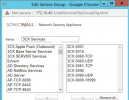
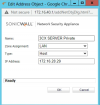
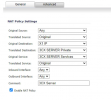
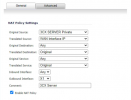
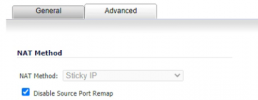
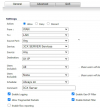
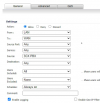
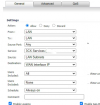
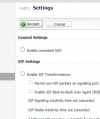
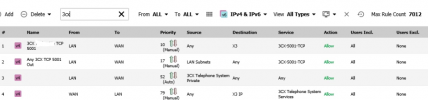
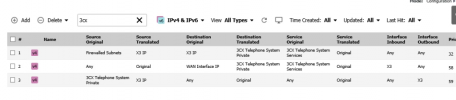
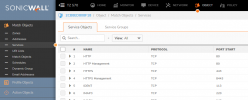
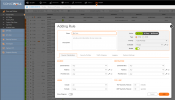
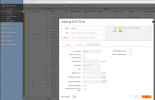
Looking for screenshots/config setting for a Sonic wall (current OS). Looking at some other threads the 3CX guide is based on 5.x version and I guess Sonicwall is up to 7.x or something? Anyways, one of my customers had their firewall replaced by their IT folks and they are having trouble getting the Sonicwall configured so the firewall test passes. I pointed them to the 3CX guide as well as recommended Consistent NAT be turned on and SIP transformations off per another thread but still getting the 'Mapping does not match' for all the ports.
I don't have a single Sonicwall under management (can't stand them) so I don't have any thing to reference.
Thanks
Looking for screenshots/config setting for a Sonic wall (current OS). Looking at some other threads the 3CX guide is based on 5.x version and I guess Sonicwall is up to 7.x or something? Anyways, one of my customers had their firewall replaced by their IT folks and they are having trouble getting the Sonicwall configured so the firewall test passes. I pointed them to the 3CX guide as well as recommended Consistent NAT be turned on and SIP transformations off per another thread but still getting the 'Mapping does not match' for all the ports.
I don't have a single Sonicwall under management (can't stand them) so I don't have any thing to reference.
Thanks