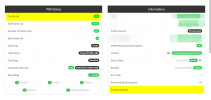
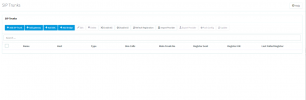
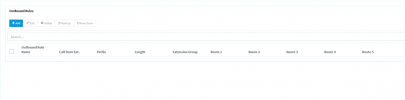
The dashboard shows 2 Trunks in use along with 1 Outbound rule. When we go into the settings the trunks and outbound rules are empty. We cannot modify anything existing.
The dashboard shows 2 Trunks in use along with 1 Outbound rule. When we go into the settings the trunks and outbound rules are empty. We cannot modify anything existing.
@Frederick Marcoux is right to say that you should also try with the main admin, but the fact that you are seeing the SIP Trunks section at all either means that you already are using the main admin, or you are using an Extension that actually has permissions to modify SIP Trunks.
What browser are you using? Try using the latest version of Google Chrome in incognito mode and check if you get the same thing.
Also, try adding a dummy SIP Trunk, does it appear in the SIP Trunks list?