- Joined
- Sep 3, 2020
- Messages
- 33
- Reaction score
- 4
Hi Folks,
I have upgraded to v18 and installed the new desktop client. I have also removed the browser extension but am running into an issue with provisioning the desktop client.
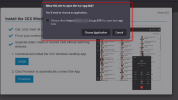
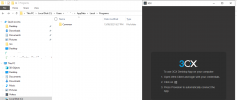
When I go into the WebClient, click on the windows icon and press provision nothing happens. It never launches the desktop client. If I open the desktop client first this makes no difference and the desktop client simply tells me to go to the WebClient and press provision.
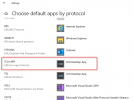
The other thing I have noticed is that the new desktop app does not load on login (Even though the option is ticked) and it does not appear to be installed in any of the start menu. If I want to get the application to come up again I need to press the install button from the WebClient.
This is running on a windows server 2016 machine. Any ideas?
I have upgraded to v18 and installed the new desktop client. I have also removed the browser extension but am running into an issue with provisioning the desktop client.
When I go into the WebClient, click on the windows icon and press provision nothing happens. It never launches the desktop client. If I open the desktop client first this makes no difference and the desktop client simply tells me to go to the WebClient and press provision.
The other thing I have noticed is that the new desktop app does not load on login (Even though the option is ticked) and it does not appear to be installed in any of the start menu. If I want to get the application to come up again I need to press the install button from the WebClient.
This is running on a windows server 2016 machine. Any ideas?
Last edited: