I dont understand why you're putting all this effort into this and wasting your time.
You're doing something wrong.
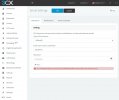
There is literally a dropdown under mail server for Office 365 and all you need is the username and password.
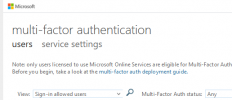
With MFA turned off, this will not be a problem. If it isnt working, it's because you didnt wait long enough for 365 to replicate this setting across it's servers (up to 20 minutes).
If you still need to pursue this MFA thing then try reading this
https://techcommunity.microsoft.com...l-smtp-through-office-365-with-mfa/m-p/163867 and use the "custom SMTP server" option.
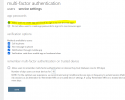
You've already set up the encryption side of it and now it sounds like you're trying to protect the account. Let me tell you that using an app password and a normal password makes no real difference as it's still a static password that can be brute-forced unlike MFA this is why app password option is removed for users when turning on MS security defaults.
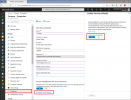
I've pointed you in the right direction with conditional access so if you still cant figure that out I suggest you open up a case with Microsoft Support for further guidance or post on theirs Microsoft Answers forum and ask the community how to protect your 365 account.
I'm going to now out now - good luck sir!