




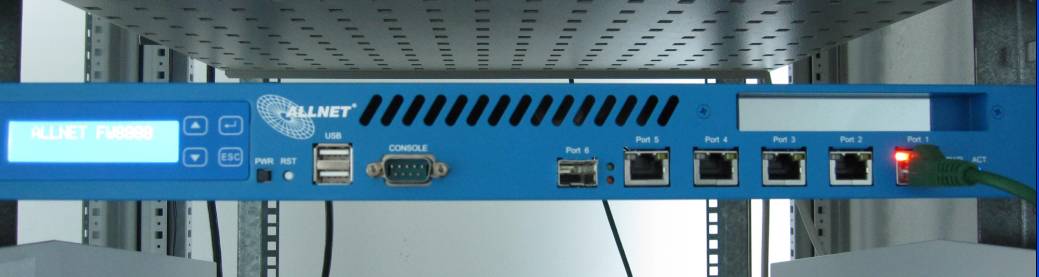
Many businesses who are adopting VoIP Software PBX Systems are always looking for a way to cut down costs. That's where the Intel Atom N270 comes in the picture, which is designed to deliver performance with minimal power usage. In addition many of our partners have requested the ability to put together a low cost dedicated server based on an Intel Atom. The Intel Atom N270 c [...]
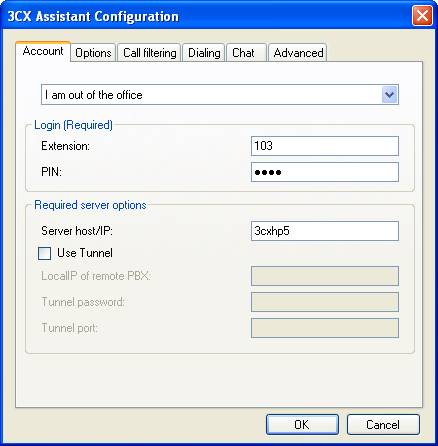
After high demand from 3CX administrators worldwide, we have finalized a version of the 3CX Assistant that is specifically designed for Windows Server OS with Terminal service roles enabled. Things to note in the 3CX Assistant TS installation (V8.11138): The Assistant installation will not prompt you to choose whether to install CRM or the 3CX Phone. These will be installed aut [...]
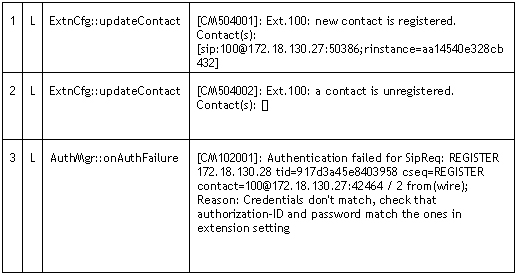
Introduction This article describes how an extension or a gateway line registers itself with the PBX Server to make itself available for making and receiving calls, and how the PBX Server will register itself with a VoIP Provider to make itself available for making and receiving calls. We trace through these steps by reading the server status log. The Server status log can be a [...]
Although we recommend the use of supported VoIP Providers, in some cases it may be necessary to use an unsupported VoIP Provider. 3rd Party Supported VoIP Providers 3rd Party supported VoIP providers have been tested by the VoIP Provider or by 3CX and at the time of testing they we're known to work. You can find a list of 3rd party supported VoIP Providers here. Community teste [...]
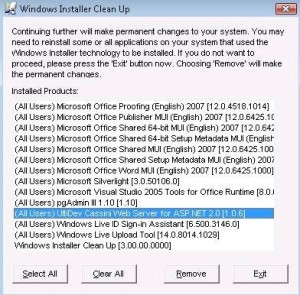
To uninstall any MSI installation that fails to uninstall itself for whatever reason, use the MSI Cleanup Utility: http://download.microsoft.com/download/e/9/d/e9d80355-7ab4-45b8-80e8-983a48d5e1bd/msicuu2.exe This version of Windows Installer CleanUp Utility works correctly in all 32-bit and 64-bit versions of Microsoft Windows. MSI cleanup utility The following will show how [...]
Introduction to the 3CX Media Server The 3CX Phone System’s main job is to connect two (or more) entities together for transmission of audio between them. However, there are three different mechanisms which can be utilized for the delivery of audio streams between two endpoints: Bypass Mode (Direct Mode) Proxy Mode (Pass-Through Mode) Transcoding Mode (Bound to Media Server Mod [...]
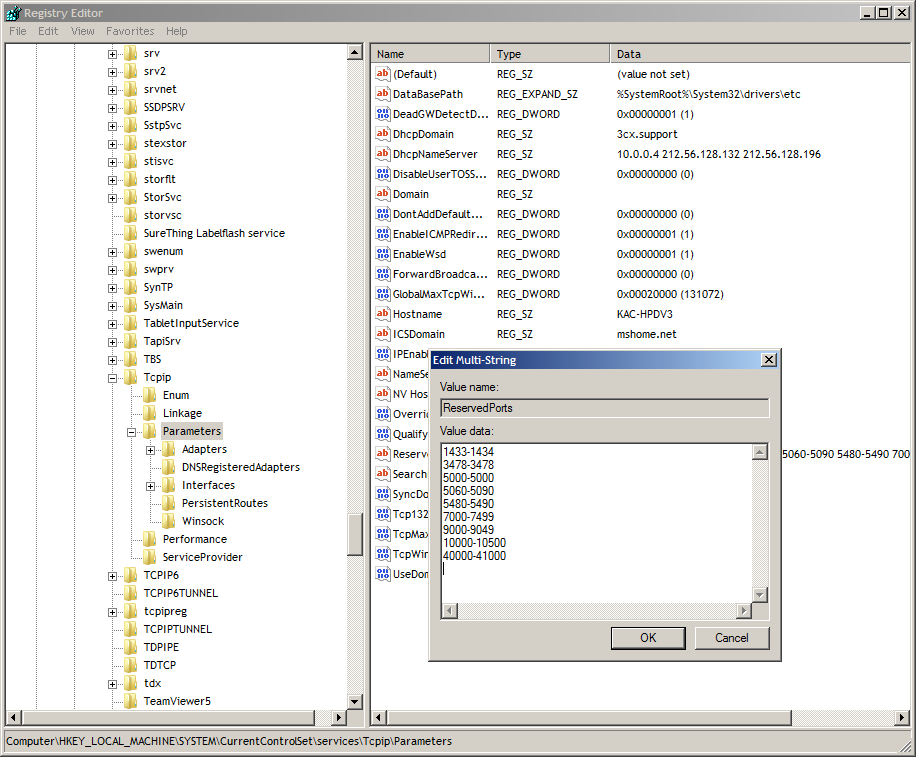
If the Media Server needs to allocate a port for media transmission, and cannot bind, it will generate a log message such as: MediaServerReporting:InitEndPoint [MS003003] C:179.1: RTCP socket 10.0.0.173:7023 binding failed with error code 10048 This is due to some other application already binding to some ports in the 7000-7499 range. This is typically due to the Microsoft DNS [...]
For an updated version of this table please go here. The Custom Parameters contains a list of advanced settings for 3CX Phone System. The default value of these parameters generally applies to most installations, and should not be altered unless otherwise advised to do so by 3CX Support. The Custom Parameters can be found in the 3CX Management Console > Settings > Paramet [...]

This document describes how to fix and solve Internet Explorer Script Errors that come up in the 3CX Management Console every time one of the following actions is performed: Uploading an audio file to a Digital receptionist. Uploading an audio file to a Queue. Importing extensions using the Import Extension button. When the above actions are performed It is common to see an err [...]

This document describes how to resolve an issue when you try and access the 3CX Management Console or the 3CX MyPhone Portal and instead of getting the standard login screen, you see a blank white screen and "Done" on the lower left status bar of Internet Explorer browser window. This happens occasionally on Server 2008 operating systems with Internet Explorer as the default br [...]

 Copyright © 2026