





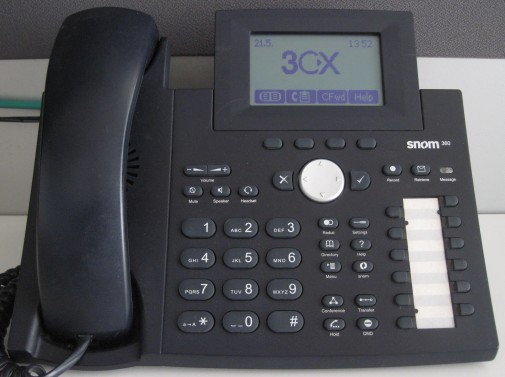
 In this example we will demonstrate how to make a conference call using a Snom 360. This procedure stands for Snom 320/360/370.
Conference Call
- Make or Answer a call.
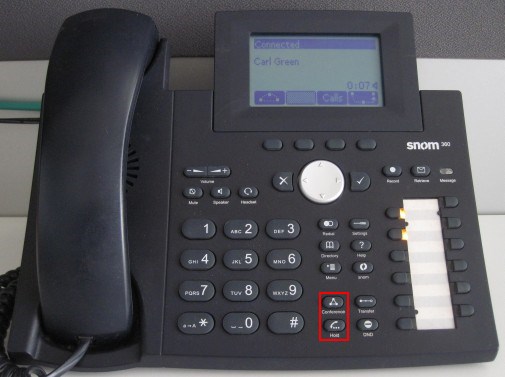
- Press the "Hold" button to place the caller on hold.
- Dial the next caller and put them on hold. Repeat the process for up to four callers.
- When all the callers that you wish to conference with are on hold, press the "Conference" button to start the conference call.
A conference with up to five participants (yourself and four others) can be made using this procedure.


