





In this example we will demonstrate how to check your voicemail using a snom 820/821.
Checking Your Voicemail
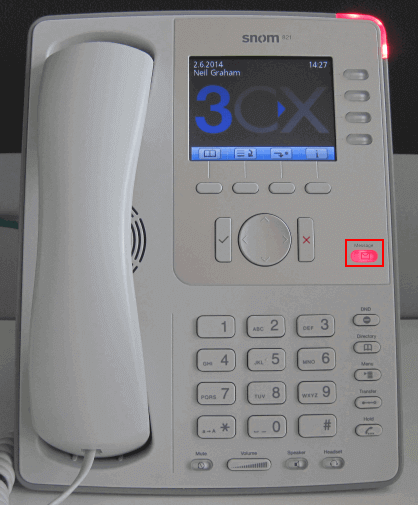
- To check your voicemail, press the "Message" button and follow the voice prompts. You might need to enter your voicemail PIN number followed by "#" to listen to your message.
For additional information on managing your voicemail from your IP Phone, such as the numbers you need to dial to change or update settings, read your detailed guide.


