


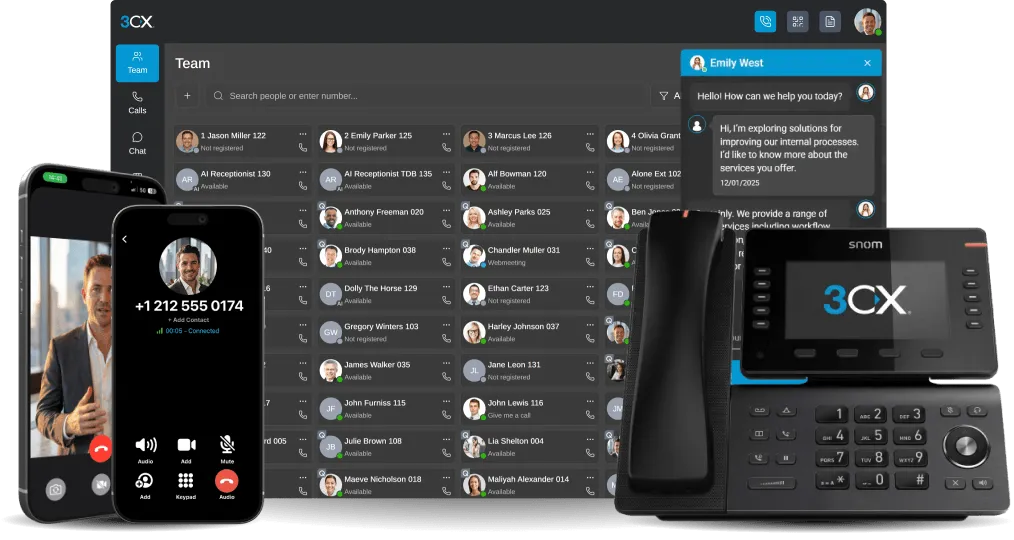


Introduction There are a few circumstances in which you may receive an error message when you try to re-activate your 3CX Phone System licence key. If you receive this error follow the guide below so that you can register your licence again. When to apply In case of "Licence Key Is In Use Already 27 68" is shown when re-activating a licence key. Circumstances in which this Err [...]

The 3CX SBC has the ability to run on a Raspberry Pi. Using a Raspberry Pi means that it is cheaper to run, and more reliable. Without the need of having a Windows PC running 24/7, the power consumption drops significantly as the Raspberry Pi consumes minimal power. The Raspberry Pi is not prone to usual problems associated with computers, such as a hard disk drive fail. Bandwi [...]

The 3CXPhone must be able to interact with the 3CX MyPhone services (presence) provided by the 3CX Phone System host. In some cases, Anti-Virus or VPN/Proxy Services software can interfere with the 3CX Phone causing connection issues. Proxy Server In case the client has an active proxy server configured within the IE settings, follow these steps to enable connectivity to the 3C [...]
The following document is intended for VoIP Provider Engineers. It highlights relevant information on how to generate templates for the 3CX Phone System. The templates contain the most common set of parameters as observed during validation and verification testing. Introduction The majority of providers today, when interpreting signals, use a standard set of parameters. If a ne [...]

The release of 3CX Phone System 12 also marked the release of new clients for Android and iPhone. These clients take advantage of a new feature in 3CX Phone System 12, called Push Technology. Using 3CX Phone System's 12 Push Technology will help you avoid missing phone calls. 3CX Phone System 12 Push Technology Push technology is a way of sending information to the user instea [...]

Conference calls allow you to easily setup a call between multiple users – up to 32 callers (licence permitting). Although many conference call services exist, it’s often easier and cheaper to host your own audio conferences. You can set-up Ad-hoc conference calls, without the need to reserve a conference room. This has been done to simplify the set-up of conference calls. If y [...]
You can manage your voicemail using any Desk Phone, make or model, configured on your extension, by dialing “999” (3CX Phone System default). A voice menu system will ask you to enter your Personal Identification Number (PIN) followed by "#". The initial options you are presented with, are the following: Dial * to play your messages. Dial “9” to go to options. Dial pound “#” to [...]
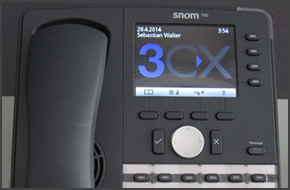
In this example we will demonstrate how to perform a blind and attended (consultative) transfer using a Snom 760. This procedure applies to Snom 760, 720, 715 and 710. Note: A Blind Transfer is a transfer to another extension without actually initiating a call to the end destination. The call is blindly transferred to the destination. By comparison, an attended transfer is a tr [...]

This guide will show you how to configure 3CX in Internet Explorer 10 and 11 in order to display your 3CX Web Management Console correctly. 3CX Web Management Console in Internet Explorer 10 Open Internet Explorer and in the URL address field type http://PBXip:5000/management/ and press "Enter". If you have not used this guide before to tweak Internet Explorer to display the 3C [...]

You might be wondering exactly what the repercussions are of having the wrong time set on your Windows Server machine, and most people would say "Well probably nothing serious". As it turns out there are some serious problems that may occur: In Office and Out of Office Hours - Since 3CX Phone System offers Office hours scheduling to the user along with automatic switch to Away [...]

 Copyright © 2026