


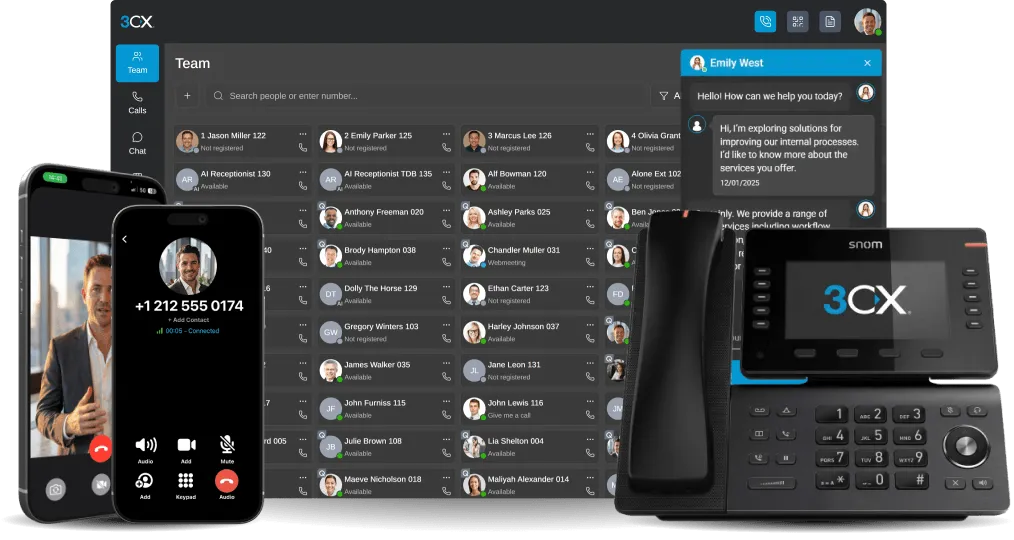


Time to expand your business? The idea of acquiring more office space can be daunting enough, without even factoring in the potential costs of additional equipment and hardware for your growing staff. What if there was a solution? By implementing Hot Desking, an IP Phone that would normally stay unutilised for many hours during the day, can be shared by multiple employees durin [...]
The 3CX Tunnel app allows you to bypass network restrictions that mobile data carriers or WiFi hotspots impose on your internet connection, as well as help negate other network related issues. The iOS implementation of the 3CX Tunnel app is subject to functionality restrictions relating to how Apple's iOS platform operates. In this post we explain what these restrictions are. W [...]

In this post we show you how to enable STUN in order to test 3CX Phone System using a dynamic public IP address. By default, 3CX Phone System assumes that you have a static public IP address and disables the STUN server option. A static public IP is needed in order for VoIP providers, remote extensions and WebRTC calls to work. Note that use of a dynamic IP address is only suit [...]

Many of you deploy 3CXPhone to both iOS and Android mobile devices. However, these two platforms have some significant differences in how they operate, which in turn impacts how 3CXPhone functions. Here we answer four frequently asked questions regarding differences between 3CXPhone for iPhone and 3CXPhone for Android. We also provide solutions that will ensure that you enjoy t [...]

3CX Phone System requires a web server for several websites including the management console, phone provisioning and to tunnel updates to 3CX clients. This web server can run on an existing IIS installation or on a dedicated bundled Abyss web server. You will need to configure on which ports these websites will run. The ports for both HTTP and HTTPS can be configured. When shou [...]

3CX Phone System requires that you have an FQDN that resolves locally. When a host is added to your DNS, a mapping is created between the domain and the IP Address of the Host. This guide will explain how to configure Microsoft DNS on Windows Server 2012 R2 to do this. Prerequisites A DNS Server in your local lan (Windows Server or any other configurable DNS Server) Step 1: Ena [...]

Your Beronet Gateway has the ability to receive a stand-alone GSM module (2 SIM cards per module). If your Beronet Gateway has this module installed, the Beronet Gateway wizard will automatically extend its configuration to include GSM settings for least-cost routing. This way your gateway can be configured to route calls to certain mobile networks directly via the SIM card ins [...]

You’ve just about had it with your existing “old style” PBX. Your monthly bill is too high, you don’t have the business phone features you need, and the system is a hassle to scale and maintain. In short, you are no longer satisfied with the service you’re getting from legacy telephony that uses T1 lines, but switching to IP communications seems like a daunting task. What is a [...]
As businesses look for ways to increase collaboration and decrease expenses, SIP trunking is becoming an increasingly attractive option for business communications. In fact, market research firm Infonetics recently released a report that projects the SIP trunking services market will reach $8 billion by 2018. In 2014 alone, the worldwide market is on track to grow to 35 percent [...]
With the release of 3CX Phone System v12.5 Beta, changes have been made to the port numbers making the deployment of 3CX Phone System much simpler. For a correct operation of 3CX Phone System, administrators should forward the correct new port numbers and make the following changes: HTTP and HTTPS Port Changes The ports previously used for HTTP and HTTPS were port 5000 for HTTP [...]

 Copyright © 2026