




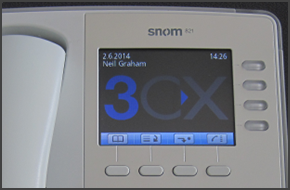
In this example we will demonstrate how to make a conference call using a Snom 820/821. Conference Call Make or Answer a call. Press the "Hold" button to place the caller on hold. Dial the next caller and put them on hold. Repeat the process to add additional participants. When all the callers that you wish to conference with are on hold, press the " [...]
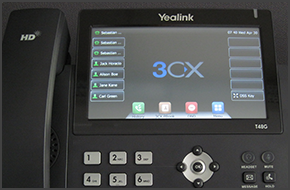
In this example we will demonstrate how to check your voicemail using Yealink T48/T46. Checking Your Voicemail To check your voicemail, press the "Message" button, or press the "View" button on the touch screen (T48G) and follow the voice prompts. [...]
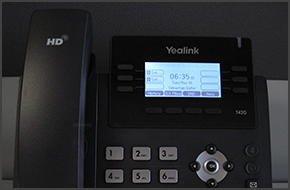
In this example we will demonstrate how to make a conference call using Yealink T42/T41. Conference Call Make or Answer a call. Press the "Conf" soft key. The first caller will be put on hold. Dial the number of the caller you wish to add to the conference call and press "Conf". Once the call has been answered press "Conf" again. The callers will be added to the conference. Whi [...]
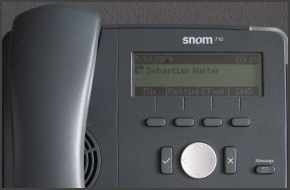
In this example we will demonstrate how to check your voicemail using snom 715/710. Checking Your Voicemail To check your voicemail, press the "Message" button and follow the voice prompts. [...]
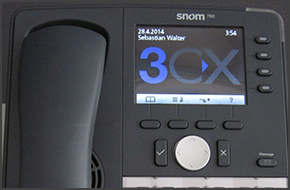
In this example we will demonstrate how to check your voicemail using snom 760/720. Checking Your Voicemail To check your voicemail, press the "Message" button and follow the voice prompts. [...]
In this example we will demonstrate how to make a conference call using a Snom 760/720. Conference Call Make or Answer a call. While on call, press "Line 2" to initiate a new call. This will automatically put the caller on "Line 1" on hold. When the caller on "Line 2" answers, press the "Conference" soft key ("Cnf.On" for Snom 720). The calls will be merged, and you should see [...]
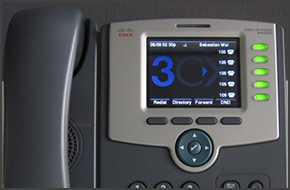
In this example we will demonstrate how to make a conference call using Cisco SPA525G. The procedure stands for all Cisco SPA500 Series Phones. Conference Call Make or Answer a call. Press the "Conf" soft key. The first caller will be put on hold. Dial the number of the caller you wish to add to the conference call and press "Dial". When the caller answers [...]
In this example we will demonstrate how to make calls using a Snom 760 and 720. Making a Call Dial the number you wish to call using the keypad and press “OK” (check mark). The phone will dial the number and your call will be connected. [...]

In this example we will demonstrate how to check your voicemail using Cisco 7961. This procedure stands for Cisco 7940/7941/7960/7961. Checking Your Voicemail To check your voicemail, press the "Messages" button and follow the voice prompts. You might need to enter your voicemail PIN number followed by # to listen to your message. For additional information on managing your voi [...]
In this example we will demonstrate how to make calls using a Snom 715 and 710. Making a Call Dial the number you wish to call using the keypad and press “OK” (check mark). The phone will dial the number and your call will be connected. [...]

 Copyright © 2026