




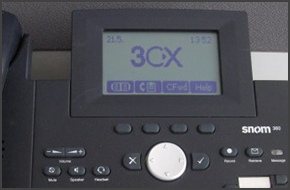
In this example we will demonstrate how to make a conference call using a Snom 360. This procedure stands for Snom 320/360/370. Conference Call Make or Answer a call. Press the "Hold" button to place the caller on hold. Dial the next caller and put them on hold. Repeat the process for up to four callers. When all the callers that you wish to conferen [...]
In this example we will demonstrate how to check your voicemail using a snom 360. This procedure stands for snom 320/360/370. Checking Your Voicemail To check your voicemail, press the "Message" button and follow the voice prompts. [...]
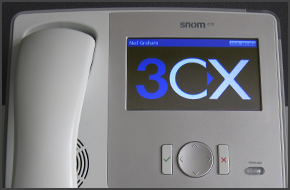
In this example we will demonstrate how to make a conference call using a Snom 870. Conference Call Make or Answer a call. Press the "Hold" button to place the caller on hold. Dial the next caller and put them on hold. Repeat the process for up to four callers. When all the callers that you wish to conference with are on hold, tap and drag their call [...]

In this example we will demonstrate how to check your voicemail using a Polycom Soundpoint IP 335. Checking Your Voicemail To check your voicemail, press the "Msgs" soft key. Press "✔" to select "Message Center..." Press the "Connct" soft key and follow the voice prompts. [...]
In this example we will demonstrate how to check your voicemail using a snom 870. Checking Your Voicemail To check your voicemail, press the "Message" button and follow the voice prompts. [...]
In this example we will demonstrate how to make calls using a Polycom Soundpoint IP 335. Making a Call Dial the number you wish to call using the keypad and press "Dial". The phone will dial the number and your call will be connected. [...]
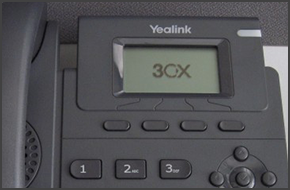
In this example we will demonstrate how to make calls using a Yealink T19P. Making a Call Dial the number you wish to call using the keypad and press the "Send" or "Ok" soft key. The phone will dial the number and your call will be connected. [...]

In this example we will demonstrate how to check your voicemail using a Polycom Soundpoint IP 650. Checking Your Voicemail To check your voicemail, press the "Messages" button. Press the "Connect" soft key and follow the voice prompts. [...]
In this example we will demonstrate how to make a conference call using a Polycom Soundpoint IP 650. Conference Call Make or Answer a call. Press the "Confrnc" soft key. The first caller will be put on hold. Dial the number of the caller you wish to add to the conference call and press the "Confrnc" soft key. The caller will be added to the conferenc [...]
In this example we will demonstrate how to make calls using a Polycom Soundpoint IP 650. Making a Call Dial the number you wish to call using the keypad and press "Dial". The phone will dial the number and your call will be connected. [...]

 Copyright © 2026