





Administrators can now utilise Active Directory Group Policy Object to deploy 3CX Windows Desktop App. Windows Server must be fully updated to the 2019 edition and users’ terminals should be on Windows 10 with the latest updates installed.
How to Deploy in 4 Easy Stages
- Create a distribution point
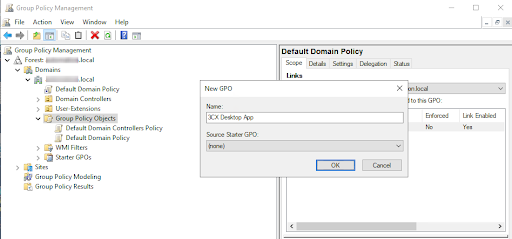
- Create a Group Policy Object
- Assign an MSI package
- Install the application to domain computers.
Read more about the 4 stages in our step by step guide: Deploying Windows Desktop App via Active Directory Group Policy.
Head over to our community forum to see what other 3CX users are experiencing.









 Copyright © 2026