


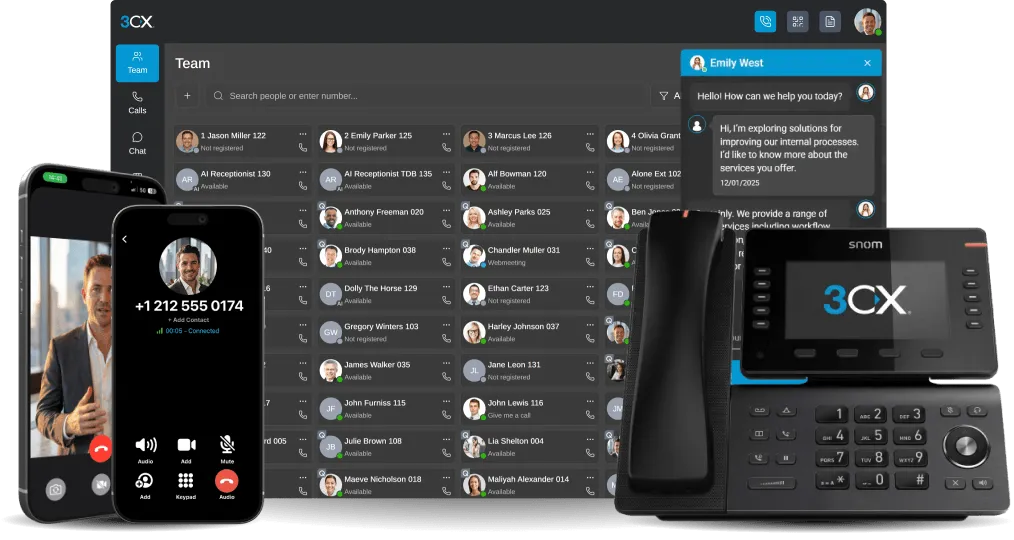


The corporate world’s first Web conference must have been revolutionary. Imagine the technology induced adrenaline rush which must have swept over the room. In contrast, today’s Web conferencing exists as an everyday function for business leaders and mainstream consumers alike. Even though numerous organizations across the globe implement Web conferencing for business procedure [...]

LONDON, UK and AUCKLAND, NEW ZEALAND 03 MARCH 2015 – 3CX, developer of the award-winning Windows VoIP PBX 3CX Phone System, announces that the interoperability testing with the New Zealand-based VoIP Service Provider, Kiwi VoIP, has proven successful, allowing 3CX customers to use Kiwi VoIP as a VoIP Provider. The success of the interoperability testing guarantees full operatio [...]
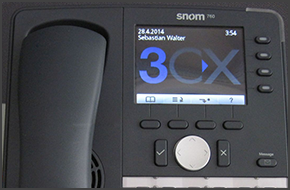
In this example we will demonstrate how to make calls using a Snom 760 and 720. Making a Call Dial the number you wish to call using the keypad and press “OK” (check mark). The phone will dial the number and your call will be connected. [...]

A complete phone system for my business without hardwires and constant maintenance? Yes, you heard that right. The softphone solution is here and it’s time to untangle all of those cords holding you and your business back from a more sophisticated method of communication. Organizations around the globe are freeing up their time and money while enjoying additional communication [...]

In this example we will demonstrate how to check your voicemail using Cisco 7961. This procedure stands for Cisco 7940/7941/7960/7961. Checking Your Voicemail To check your voicemail, press the "Messages" button and follow the voice prompts. You might need to enter your voicemail PIN number followed by # to listen to your message. For additional information on managing your voi [...]
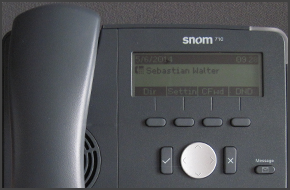
In this example we will demonstrate how to make calls using a Snom 715 and 710. Making a Call Dial the number you wish to call using the keypad and press “OK” (check mark). The phone will dial the number and your call will be connected. [...]

3CX Phone System offers the ability to park a call and for that call to be picked up from another extension. To park a call: BLIND Transfer Button followed by *00 to 09 to specify the parking orbit. For example *01 will place the call in the parking orbit 1. *02 will place the call in the parking orbit 2. To pick up a parked call: *10 to 19 where the 0 – 9 is the park orbit num [...]
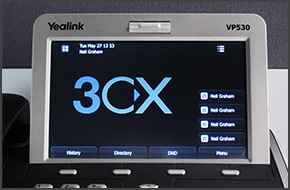
In this example we will demonstrate how to make calls using a Yealink VP530. Making a Call Dial the number you wish to call using the keypad and press "Send" on the touch screen. The phone will dial the number and your call will be connected. [...]
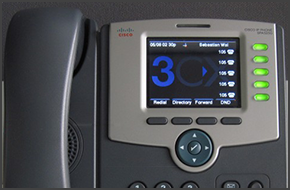
In this example we will demonstrate how to make calls using a Cisco SPA525G. This procedure stands for all Cisco SPA500 Series Phones. Making a Call Dial the number you wish to call using the keypad and press the “Dial” soft key. The phone will dial the number and your call will be connected. [...]

Communication is at the crux of any successful enterprise. The degree of collaboration between colleagues as well as engagement with clients is dependent on one key component: your phone system. Is your organization’s level of productivity dwindling due to poor communication technology? Phone systems have evolved into more than the legacy PSTN systems you currently employ; your [...]

 Copyright © 2026