


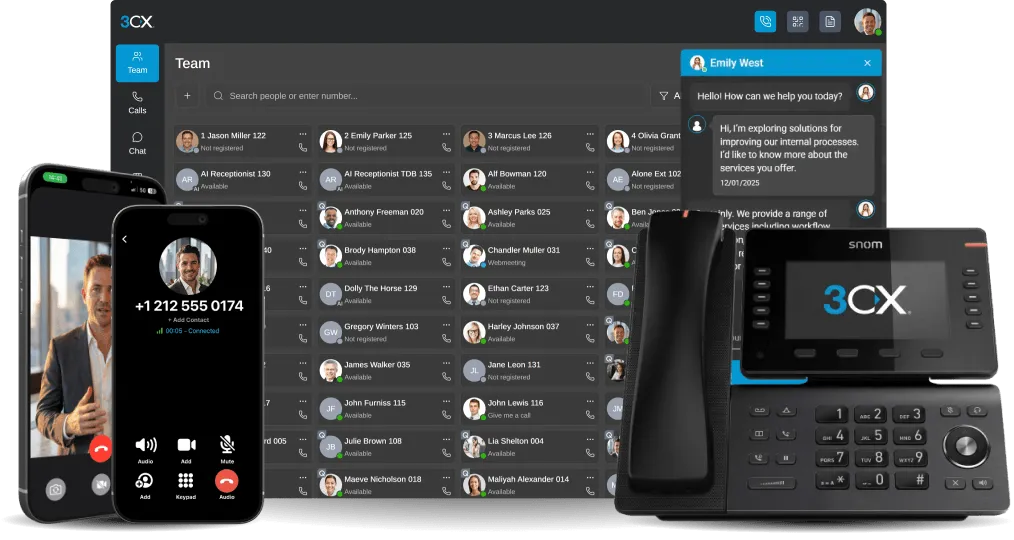


The IP-PBX telephony market is trending upwards across the globe as businesses of all sizes are reaping the benefits of its cost savings. The IP telephony market itself is expected to exceed $17 billion by 2019 according to the Dell’Oro Group, a sign of its increasing popularity. If you’re on the fence about switching your legacy PBX system in for an IP solution due to technica [...]
In this example we will demonstrate how to check your voicemail using snom 715/710. Checking Your Voicemail To check your voicemail, press the "Message" button and follow the voice prompts. [...]

We’ve written much on this blog about the evolving nature of the workforce; for instance, how to accommodate your mobile employees. Well, the meaning of mobile employee gains an entirely fresh perspective when looking at the Puchberg Mountain Rescue Team, whose office doesn’t consist of cubicles- but rather, the largest mountain range in Austria. While the connectedness of any [...]

Below is the new 3CX Pricing for 3CX Phone System which will be effective as of the 9th of March. In general the Euro pricing has gone up and the dollar pricing has gone down, so as to keep a fair global pricing policy. In some cases it makes sense to wait until the 9th of March, in other cases you should purchase now to lock-in current prices. Standard Pro Simultaneous Calls [...]

LONDON, UK and ANTWERP, BELGIUM MARCH 05 2015 – 3CX, developer of the award-winning Windows VoIP PBX 3CX Phone System, announces that the interoperability testing with the Belgium VoIP Provider, Intertel Telecom, has proven successful, allowing 3CX customers to use Intertel Telecom as a VoIP Provider. The success of the interoperability testing guarantees full operation of all [...]
In this example we will demonstrate how to check your voicemail using snom 760/720. Checking Your Voicemail To check your voicemail, press the "Message" button and follow the voice prompts. [...]

We are pleased to let you know that 3CX value-added distributor Alloy, will be hosting 3CX Partner Training Days in Australia this March! 3CX and Alloy would like to invite all 3CX Partners to attend these workshops as they provide the perfect opportunity to learn how to configure, support and sell 3CX Phone System for Windows. As we recently released 3CX Phone System 12.5, our [...]
In this example we will demonstrate how to make a conference call using a Snom 760/720. Conference Call Make or Answer a call. While on call, press "Line 2" to initiate a new call. This will automatically put the caller on "Line 1" on hold. When the caller on "Line 2" answers, press the "Conference" soft key ("Cnf.On" for Snom 720). The calls will be merged, and you should see [...]

Say your organization already consists of sales, marketing, and digital content divisions and is on a path of continued development. Your company is also comprised of foreign locations, spanning several continents. While this growth is remarkable, the distances may be thwarting effective business collaboration. If you are still relying on a legacy PBX system as your primary mea [...]
In this example we will demonstrate how to make a conference call using Cisco SPA525G. The procedure stands for all Cisco SPA500 Series Phones. Conference Call Make or Answer a call. Press the "Conf" soft key. The first caller will be put on hold. Dial the number of the caller you wish to add to the conference call and press "Dial". When the caller answers [...]

 Copyright © 2026