





How often do we hear the saying “How nice to put a face to a name”? Well, now you can with the 3CX App for Android Beta, introducing video calling. This latest update includes support for additional phones and models and adds important fixes such as the elimination of echo.
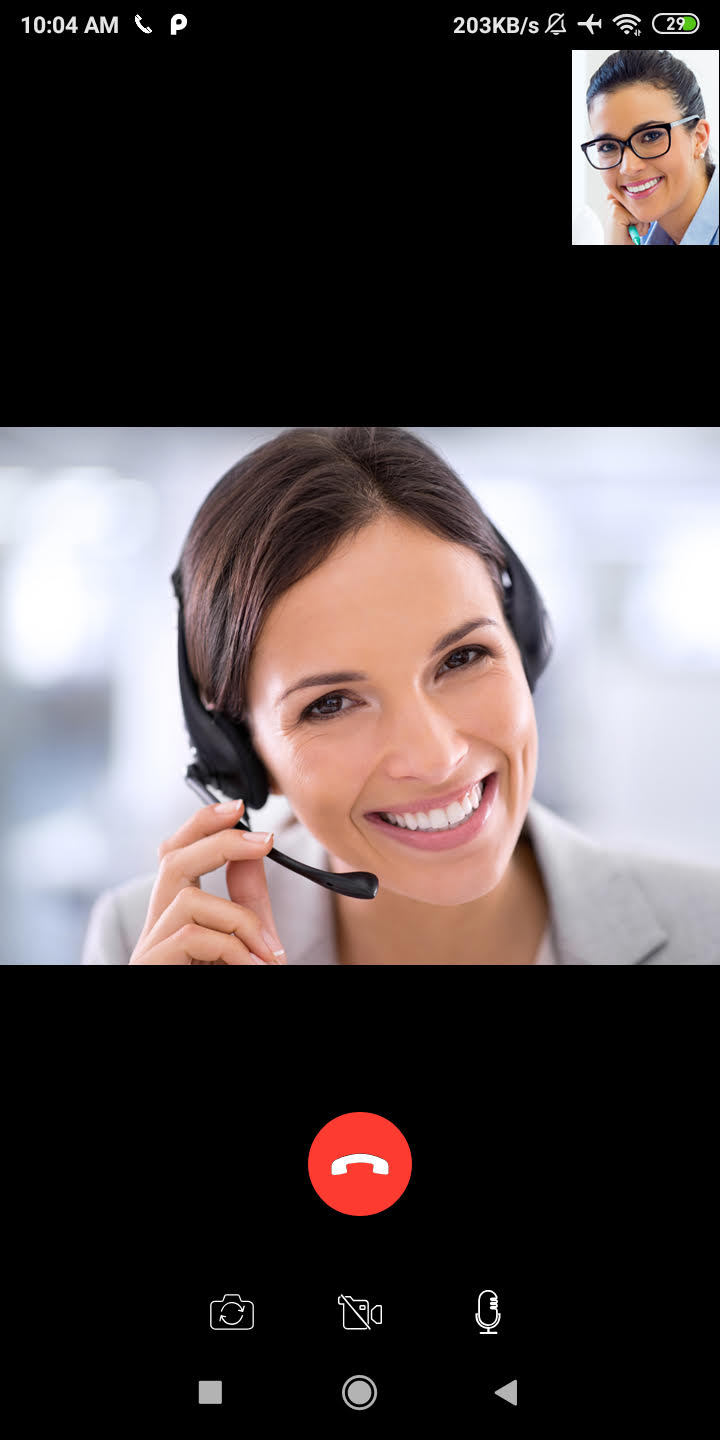
Face Your Caller
They say a picture is worth a thousand words - just imagine what a video call is worth. Using your 3CX App, you can now place a video call to your contacts by simply tapping on the video icon. With this current update, video calls are only supported between the Android app, the Web Client and video phones that implement the VP8 codec.
Supporting New Models
The Android App extends its reach, adding support for a number of new phones, including Pixel 4, Galaxy Note 10, S10+ and Xiaomi Mi9. See this forum post for a complete list of all phones and models tested. More will be added in due course.
Farewell to Echo
By blacklisting Telecom API on Motorola g7 plus, Sony G3121, Xiaomi Redmi Note 7, Samsung S9 & S10e, Huawei P20 Pro the issue with echo has been eliminated. The echo was due to the phones not supporting telecom API. We are expecting more phones to join telecom API support.
Other Improvements
- Ability to share docs, images and files from any Android app to 3CX chat by long-pressing on a file.
- Copy numbers from the “recents” menu for use in other apps.
- Added a shortcut for the Android app settings in troubleshooting section.
- Updated QR message with additional checks to uninstall and install the App again.
- Added support for MDM (Mobile Device Management) solutions - Send an email to [email protected] if interested.
How to Try it
Join the 3CX Beta Program and download the new Android Beta app through the Google Play Store.
Give us constructive feedback via the dedicated community forum especially if you are a BETA tester.
View the changelog.









 Copyright © 2026