





Essential account emails now work from the start of a 3CX Trial.
3CX Trial systems can now use the 3CX Mail Service for essential account emails, making it easier to get a trial system up and running without first configuring a separate mail server.
Trial licences have access to a limited set of 3CX Mail Service emails, covering welcome messages, password resets and email testing. Additional PBX notifications can continue to use a customer-configured mail server.
Read on to see which emails are included and how to configure mail delivery for your Trial.
What Changed for 3CX Trial Systems?
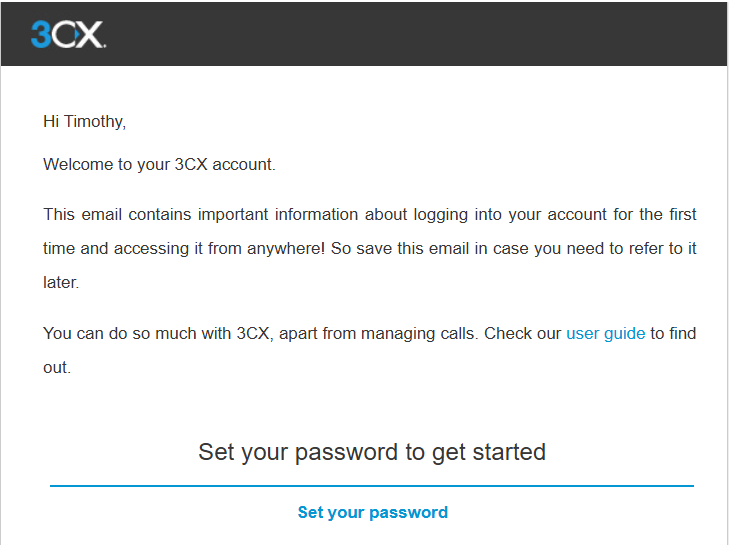
Previously, trials could not use 3CX Mail Service and had to connect their own mail server straight away. The built-in service is now available with a specific set of email types:
- Welcome emails, including initial invitations and resends
- Password Reset emails, including Forgot Password
- Test emails sent from the Email page
These messages use the 3CX default email templates. Custom templates are not applied when the Trial-level 3CX Mail Server access is in force.
Which Emails Still Need Your Own Mail Server?
Other PBX notifications can be sent through a customer-configured mail server during the Trial. These include:
- Voicemail
- Missed calls
- Fax
- Recordings
- Reports
- Queue notifications
- Backups
- Certificates
- Trunk notifications
Existing email and notification settings are preserved when a message category is unavailable through the Trial-level 3CX Mail Service. Paid licences can use the 3CX Mail Service for all supported PBX email categories.
What Do System Admins Need to Do?
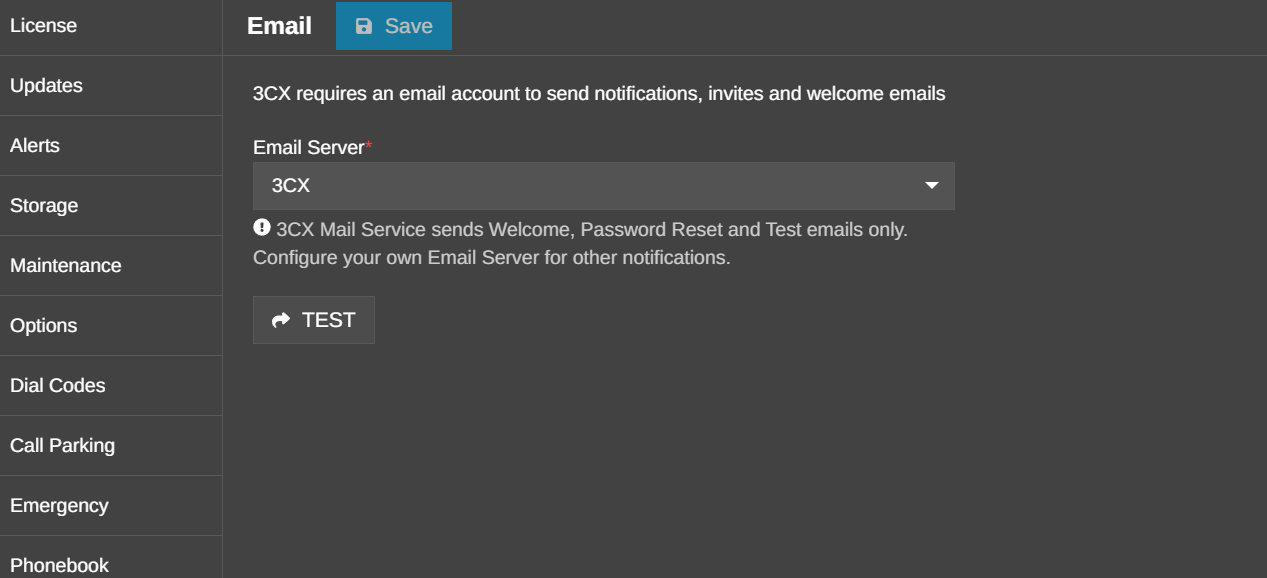
By default, newly installed systems have the 3CX Email Server as the configured mail service. If you have previously configured another mail service and wish to switch back to 3CX, you can open the Email page in the Admin Console and select 3CX as the Email Server.
When the lower tier restrictions apply, this page displays a notice explaining that 3CX Mail Service sends Welcome, Password Reset and Test emails only.
Use the TEST button to confirm email delivery. If the Trial must send other notifications, select and configure your own mail server instead.
Join the Discussion
Join the 3CX discussion in our dedicated Partner or Customer Forums. Follow us on X and LinkedIn to stay-up-to date on latest news and feature releases.









 Copyright © 2026