





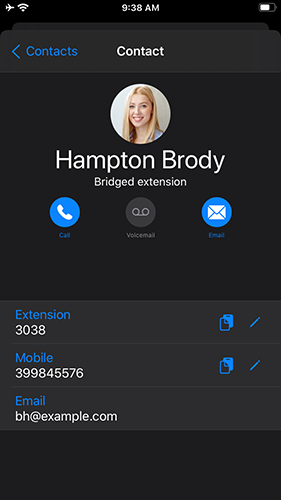
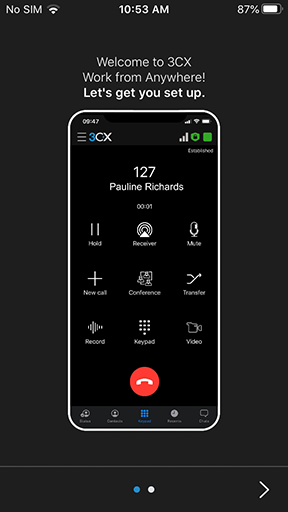
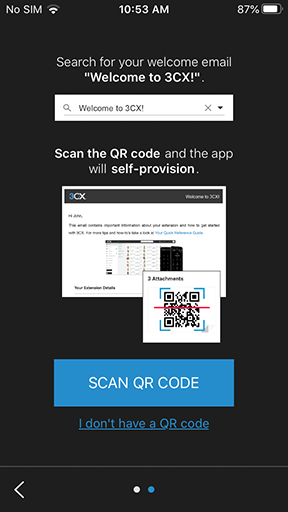
A new update for the 3CX iOS App is available and it’s now even easier to elevate a chat to a call by simply tapping the avatar of the person you’re chatting with. What’s more, it includes an updated startup wizard making it simpler for new users to start enjoying the benefits of the 3CX iOS App from the get go. More seasoned users will be impressed with updates and fixes on incoming calls and connection stability.
Avatar Tap 2 Call

Updated Startup Wizard
Fixes and Improvements
- Fixed incoming calls being immediately dropped if caller number is not specified or dropped too fast.
- Fixed chat typing content being lost if interrupted by an incoming call.
- Forwarding Rules opening now more responsive to user's tap.
- Fixed connection stability on 3G/LTE.
How to Get It
Get the new version from the iOS App Store and check our iOS App user guide for more info. This iOS version will replace the current version. For the new app to work, make sure you have upgraded to 3CX v16 Update 5 and are running a supported operating system.
View the change log for this version and give us your feedback via the community forum.









 Copyright © 2026