





Guided installation of your WhatsApp SIP Trunk.
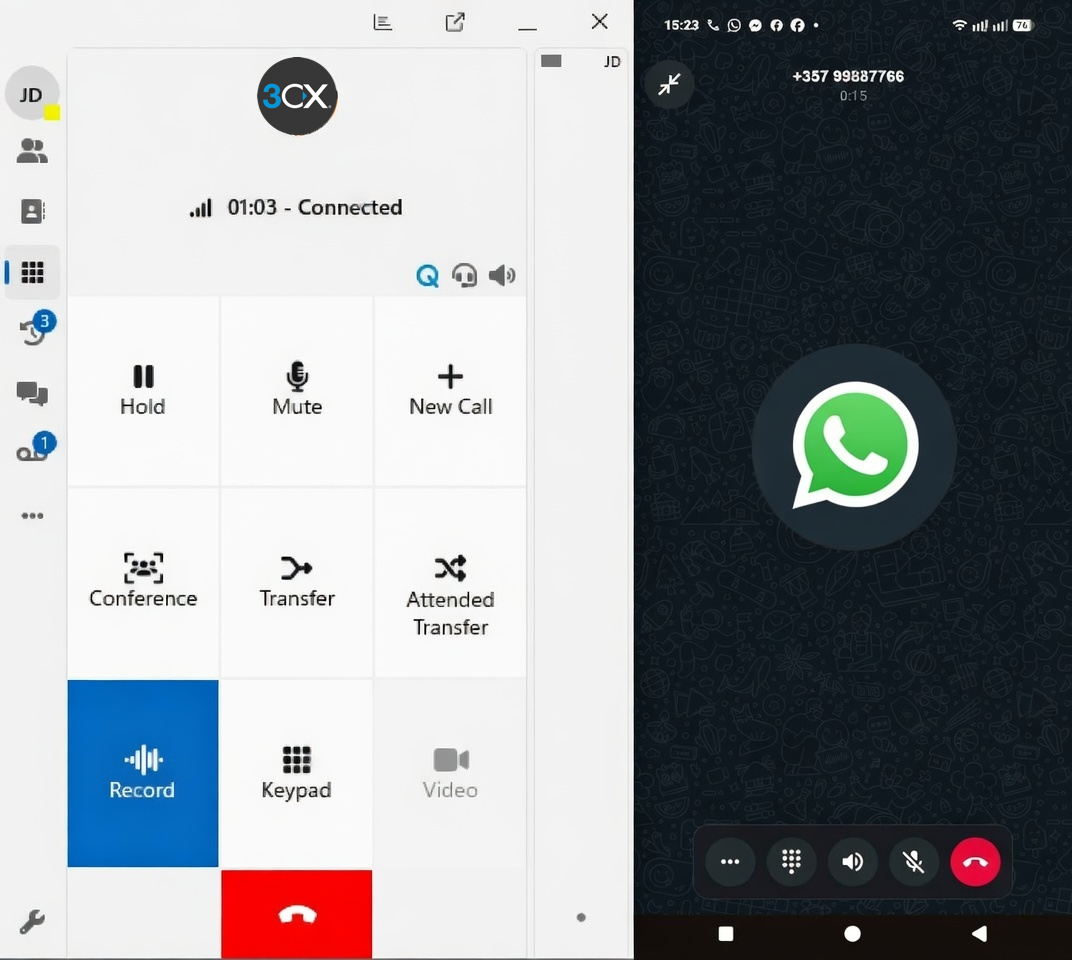
3CX V20 Update 8 now brings WhatsApp Inbound calls to your PBX, expanding on the messaging integration.
Reach out to the millions of WhatsApp users worldwide by adding WhatsApp SIP Calling to your PBX - effectively giving callers the equivalent of FreePhone calling from anywhere on the globe.
Your WhatsApp number set up as SIP Trunk on your system allows you to route incoming calls in the normal way - to extensions, queues, and AI Agents.
Step-By-Step Instructions
Our document guides you through the process of setting up your new WhatsApp SIP Trunk:
- Creating a WhatsApp Application in the Meta portal
- Enabling SIP on your WhatsApp number
- How to check your setup is configured correctly
- Applying our pre-configured WhatsApp provider template
… after which you can start taking those calls.
You can see the full guide here: WhatsApp SIP Calling Integration.
Join the Discussion
Join the discussion in our Forum. Follow us on X and LinkedIn to stay up-to-date on latest news and feature releases.









 Copyright © 2026