





Web Client configuration and Team filter in the Panel.
Following a successful beta release, 3CX Windows Softphone V5.5 is now available for production.
This softphone release introduces improved extension management, enhanced configuration options and a range of stability and usability fixes across the app.
Recap on What’s New
Team Filter in the Panel
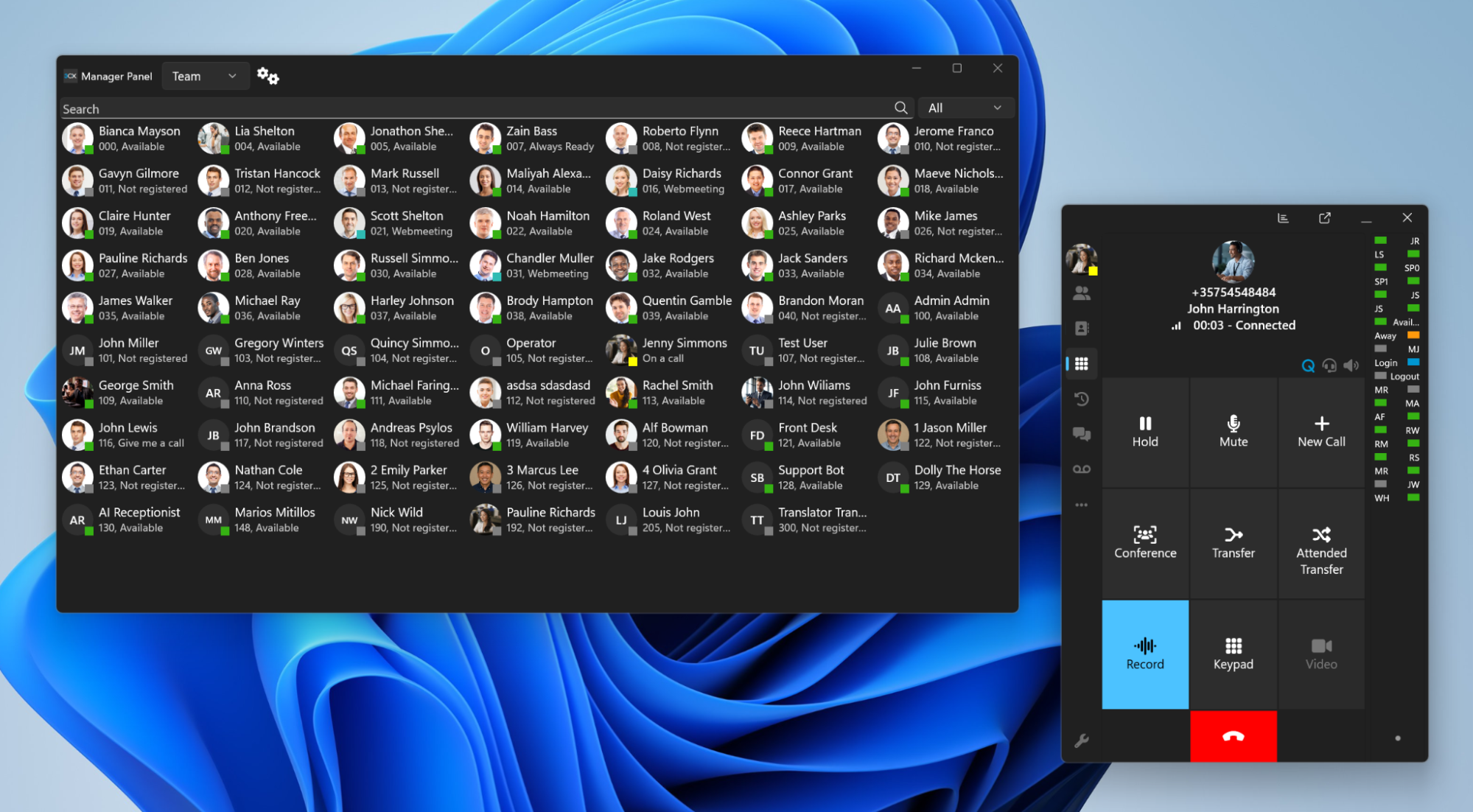
A new Team filter has been added to the Panel, allowing users to quickly narrow down extensions by team.
Web Client Configuration Updates
Users can now configure key settings directly via the Web Client, including:
- Exceptions
- BLF configuration
- Webinars
Stability & Usability Improvements
This version also includes a range of fixes and enhancements, such as:
- Improved headset selection persistence
- Clickable links and improved text selection in chat
- Multiple fixes for conferencing and call handling
- Improvements to call forwarding, CRM lookups and provisioning
- Better handling of queue drag-and-drop scenarios
- Improved search for names with diacritics
View the complete changelog for a detailed breakdown of updates in this latest build.
How To Get V5.5
Search for 3CX in the Microsoft Store to download the final version. If you have the BETA installed, uninstall it before using the production version.
Windows Softphone Forum
Head over to the dedicated Windows Softphone Forum to let us know what you think.
Follow us on X and LinkedIn to stay-up-to date on latest news and feature releases.









 Copyright © 2026