





Apple Watch integration, new conferencing options & Department Phonebook.
The latest 3CX iOS App Beta update is here. Version 5.4 brings new conferencing options, Apple Watch notifications and Department Phonebook for department-level contact sharing. Read on for more.
Consultative & Direct Conferencing
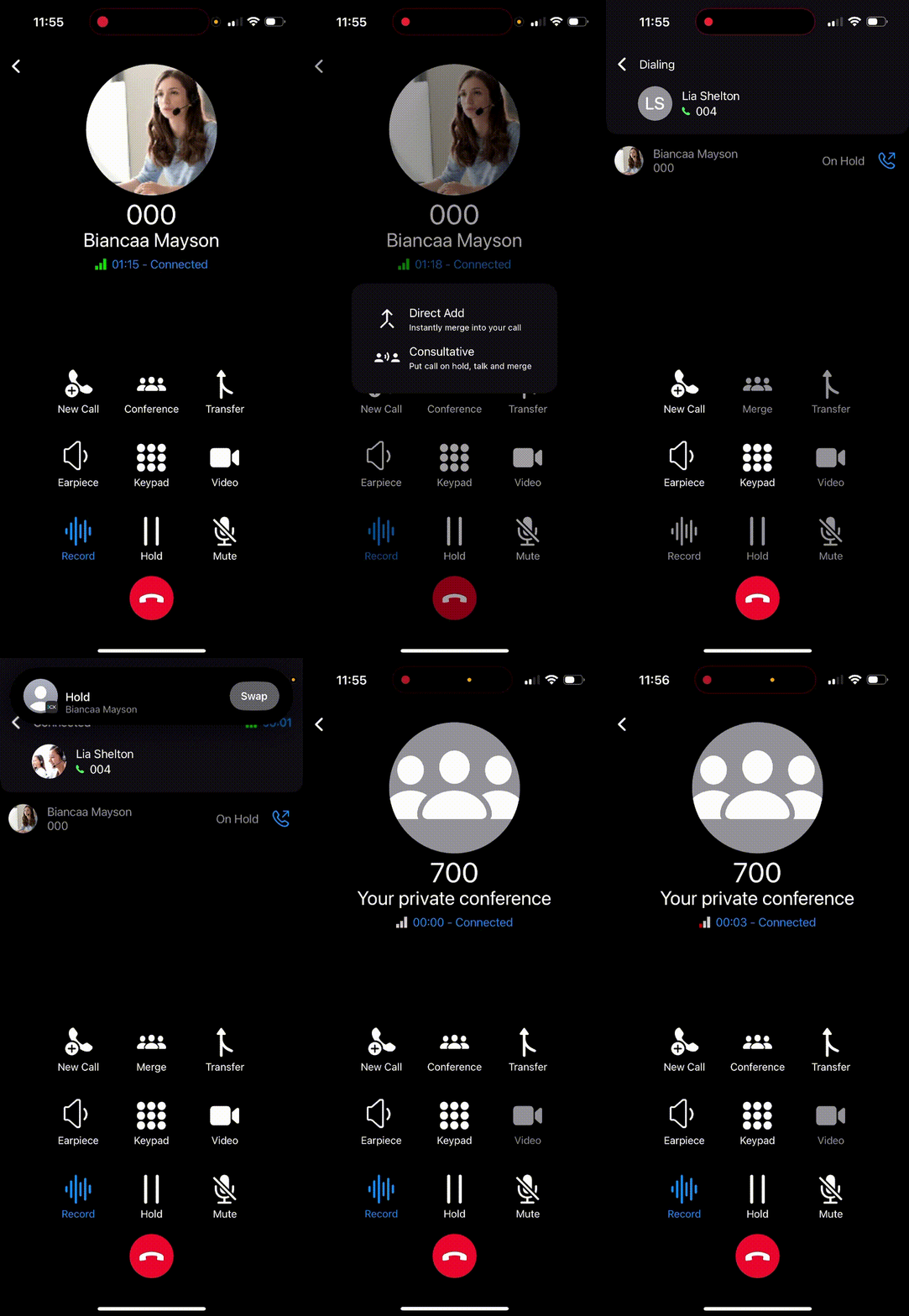
With 3CX iOS App v5.4, you can now choose between Direct Add and Consultative modes:
- Direct Add – To start a conference instantly. Tap the Conference button, select Direct Add and dial or search for a contact. Once the second participant answers, the call automatically becomes a conference.
- Consultative – To speak privately before merging calls. Select Consultative, call your contact and chat while your first call is on hold. You can switch between calls until you’re ready to merge them.
Get Notified About Incoming Calls on Your Apple Watch
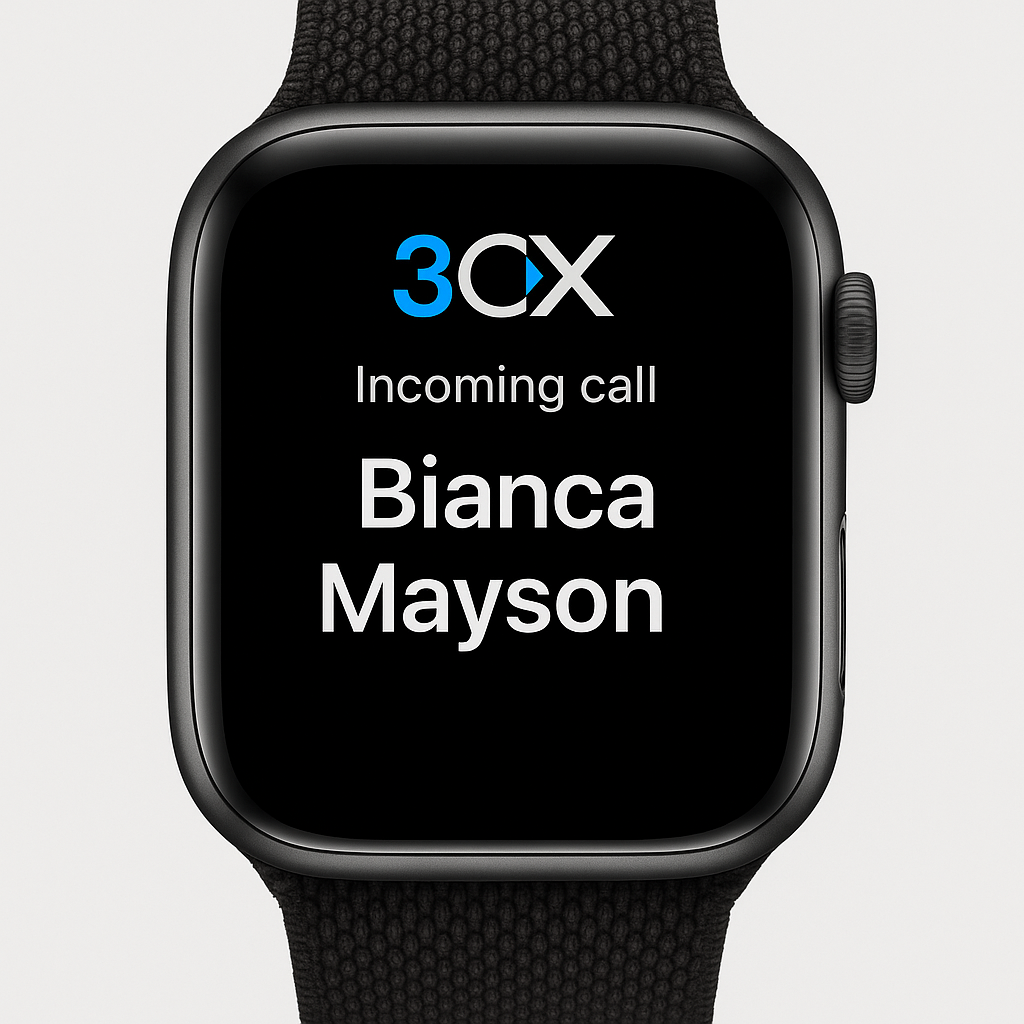
Get instant 3CX call alerts on your Apple Watch - even for missed calls. Existing chat notifications have also been extended allowing you to reply to chats directly via voice, keyboard on the watch or some pre-defined quick replies from Apple.
Apple have set some restrictions beyond our control, including:
- Locking your iOS device in order to get notification sent to your Apple Watch
- Decline only via Apple Watch - not answer!
We’ll continue to look into ways to provide a better integration with the Apple Watch eco-system. Watch this space for updates.
Note: Incoming call notifications to your Apple watch requires Version 20 Update 8 or later.
Department Phonebook
The new Department Phonebook lets you create and share contacts specific to your department. You can:
- Add and share contacts only visible to your department.
- Find department contacts in the Contacts tab under the Company filter.
- Use the Save as Department Contact option in the Add Contact form.
This also benefits Multi-Company Mode users, allowing each company to maintain its own internal phonebook.
Note: IOS V5.4 Beta requires Version 20 Update 8 or later.
View the changelog for a detailed breakdown of updates and fixes in this latest build.
Compatibility Notice
This Beta release may not be compatible with 3CX Version 18 PBX and is not tested with it internally. Please refer to our End of Support announcement for details.
Note: Starting from the next release, iOS 15 will no longer be supported. Please update to iOS 16 or later to stay up to date.
Get Involved
Join the iOS TestFlight program to test this beta and provide direct feedback to our development team.
For instructions on how to install and provision the 3CX iOS app, see our configuration guide.
iOS Forum
Head over to the dedicated iOS Forum to let us know what you think.
Follow us on X and LinkedIn to stay-up-to date on latest news and feature releases.









 Copyright © 2026